<?xml version="1.0" encoding="utf-8"?>
<feed xmlns="http://www.w3.org/2005/Atom">
    <title>funwithsoftware.org</title>
    <link href="https://funwithsoftware.org/atom.xml" rel="self" />
    <link href="https://funwithsoftware.org" />
    <id>https://funwithsoftware.org/atom.xml</id>
    <author>
        <name>Pelletier</name>
        <email></email>
    </author>
    <updated>2021-07-04T00:00:00Z</updated>
    <entry>
    <title>The sad state of Linux accessibility</title>
    <link href="https://funwithsoftware.org/posts/2021-07-04-the-sad-state-of-linux-accessibility.html" />
    <id>https://funwithsoftware.org/posts/2021-07-04-the-sad-state-of-linux-accessibility.html</id>
    <published>2021-07-04T00:00:00Z</published>
    <updated>2021-07-04T00:00:00Z</updated>
    <summary type="html"><![CDATA[<div class="info">Posted on July  4, 2021</div>
<div class="info">
    
    Tags: <a href="/tags/software.html">software</a>, <a href="/tags/other.html">other</a>
    
</div>

<p>Recently, I’ve been trying to research the availability of a couple of features for visually impaired users (zoom and invert) on Linux. (I’m doing this research on behalf of a visually impaired friend who currently uses MacOS and would like to use Linux.)</p>
<p>Unfortunately, accessibility on Linux seems to be very much Balkanized by desktop environment. There doesn’t even seem to be any sort of forum or mailing list for discussing accessibility across desktop environments. The <a href="https://wiki.linuxfoundation.org/accessibility/start">Linux Foundation Wiki</a> makes mention of an “Open Accessibility Group”, but all of the links lead to <a href="http://a11y.org/">a11y.org</a>, and all of the pages on <a href="http://a11y.org/">a11y.org</a> are blank. So, defunct, I guess?</p>
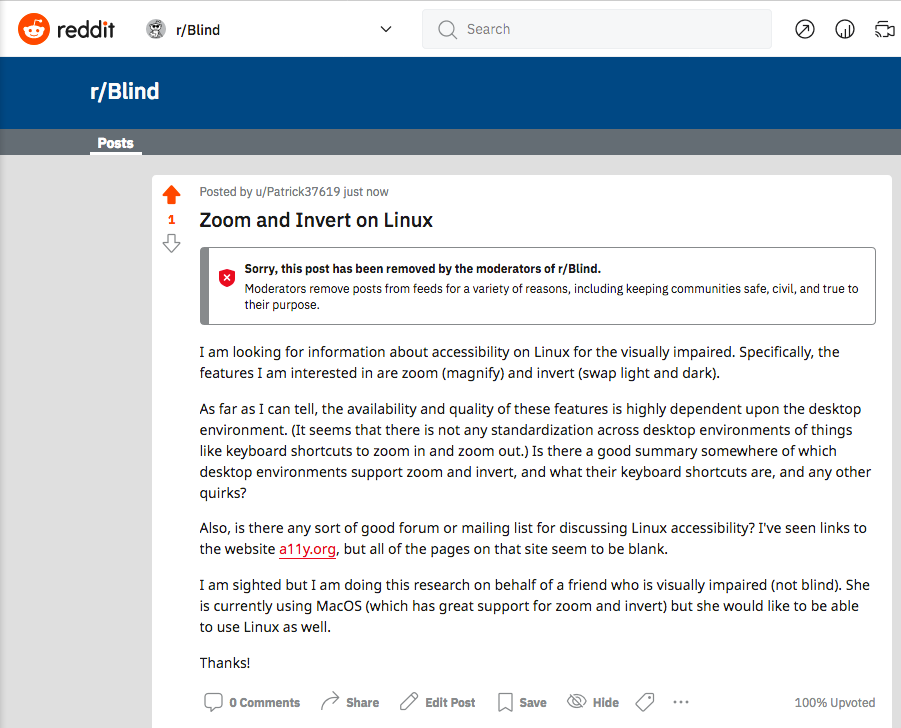
<p>Someone suggested that <a href="https://www.reddit.com/r/Blind/">/r/Blind</a> would be a good place to ask questions about Linux accessibility. I gave that a try, but my post was deleted by the moderators without any explanation other than “keeping communities safe, civil, and true to their purpose.” This was my first attempt at using Reddit, and it was not a good first impression. Someone told me that Reddit is known for deleting posts at random without reason, so it’s good to know not to waste my time on Reddit any further.</p>
<p><a href="/images/2021-r-blind-moderated.png"><img src="/images/2021-r-blind-moderated.png" width="800" height="646" alt="My post on /r/Blind was moderated." /></a></p>
<p>I did have a small amount of success asking on the <a href="https://lists.freedesktop.org/archives/wayland-devel/2021-July/041886.html">wayland-devel mailing list</a>, but that’s not really the appropriate place to discuss accessibility features, since <a href="https://en.wikipedia.org/wiki/Wayland_(display_server_protocol)">Wayland</a> is lower-level than that.</p>
<p>What I would really like is a comparison of desktop environments, showing which ones support zoom and invert, and showing what the keyboard shortcuts to zoom in and out are for each desktop environment. (Since, of course, these shortcuts are not standardized.) Unfortunately, this doesn’t seem to exist, as far as I can tell.</p>
<p>The default desktop environment for Ubuntu <a href="https://help.ubuntu.com/stable/ubuntu-help/a11y-mag.html.en">supports zoom and invert</a>. However, the documentation does not mention any keyboard shortcuts for zooming in and out. A kind person told me that the shortcuts are <a href="https://lists.freedesktop.org/archives/wayland-devel/2021-July/041887.html"><code>&lt;super&gt;&lt;alt&gt;Plus</code> and <code>&lt;super&gt;&lt;alt&gt;Minus</code></a>, but apparently you are just supposed to know that? Also, using the keyboard shortcuts jumps straight from 1.0 to 2.0, rather than going through smaller steps as the MacOS implementation does.</p>
<p><a href="/images/2021-desktop-environments.jpg"><img src="/images/2021-desktop-environments.jpg" width="300" height="400" class="floatright" alt="Desktop environment menu on Ubuntu." /></a></p>
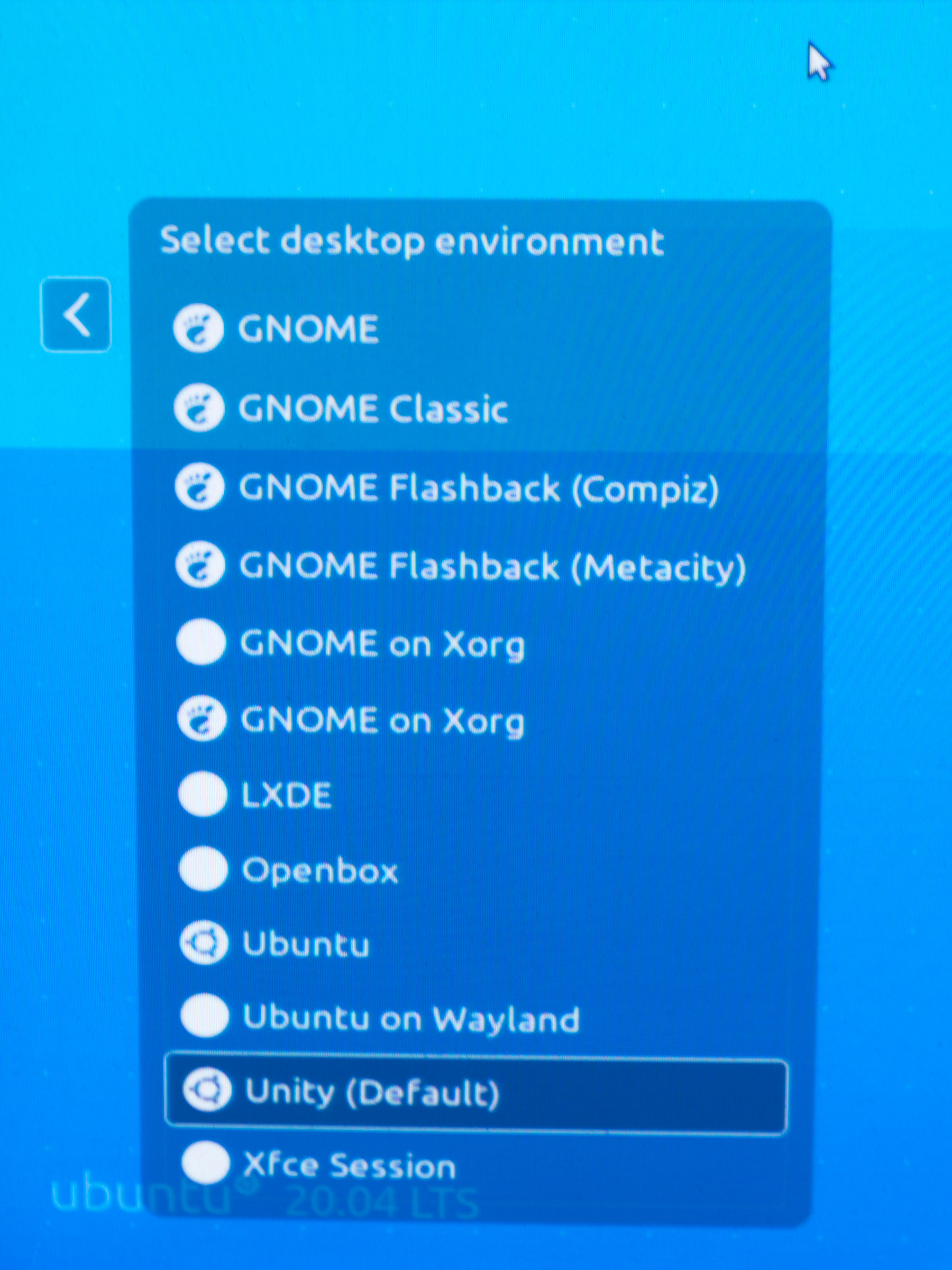
<p>Side rant: What the heck <em>is</em> the default desktop environment for Ubuntu? I thought it was Unity, but the list of desktop envionments on the login screen lists “Ubuntu” separately from “Unity”. If I choose “Ubuntu”, zoom and invert work as described, but if I choose “Unity”, zoom and invert do not seem to be supported.</p>
<p>It looks like KDE Plasma also supports zoom, but you have to <a href="https://lists.freedesktop.org/archives/wayland-devel/2021-July/041889.html">set up your own keybindings</a> to make it work. Why aren’t there default keybindings?</p>
]]></summary>
</entry>
<entry>
    <title>Remembering the Brain Opera</title>
    <link href="https://funwithsoftware.org/posts/2021-04-24-remembering-the-brain-opera.html" />
    <id>https://funwithsoftware.org/posts/2021-04-24-remembering-the-brain-opera.html</id>
    <published>2021-04-24T00:00:00Z</published>
    <updated>2021-04-24T00:00:00Z</updated>
    <summary type="html"><![CDATA[<div class="info">Posted on April 24, 2021</div>
<div class="info">
    
    Tags: <a href="/tags/other.html">other</a>
    
</div>

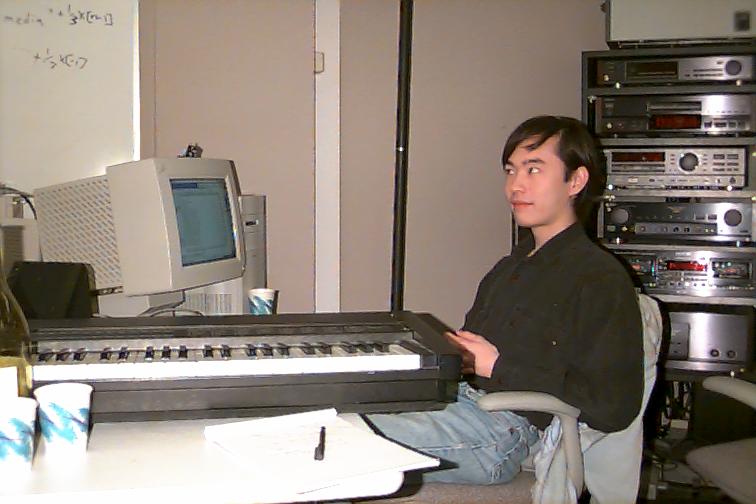
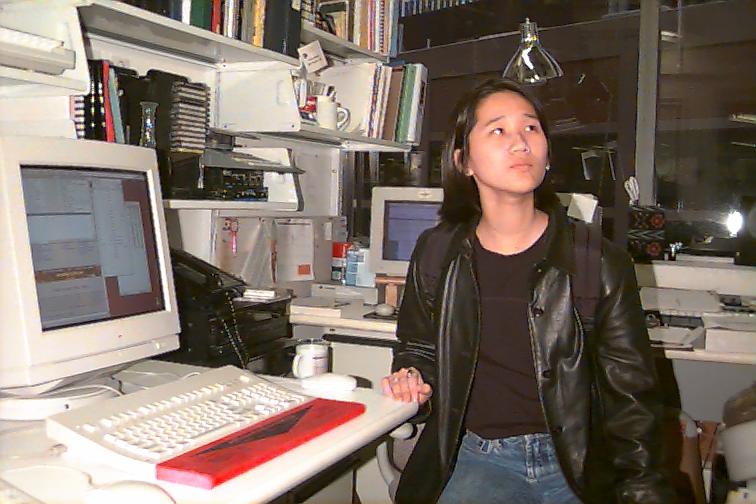
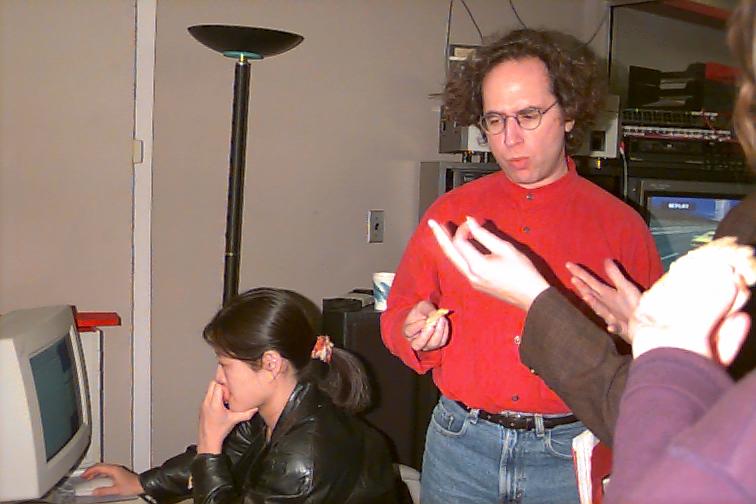
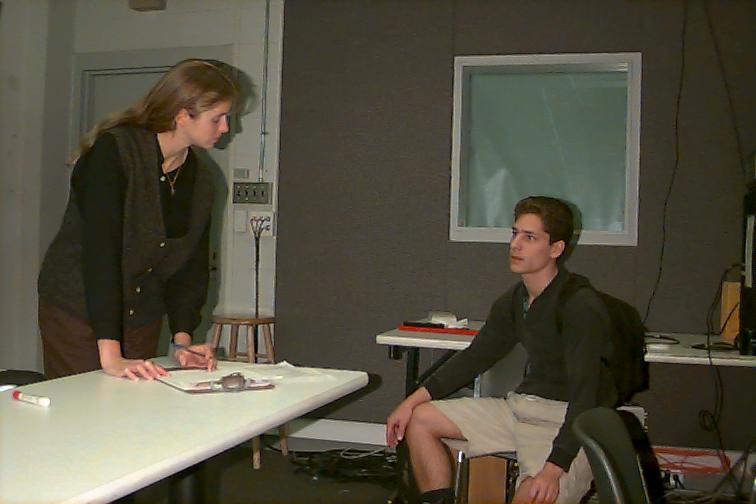
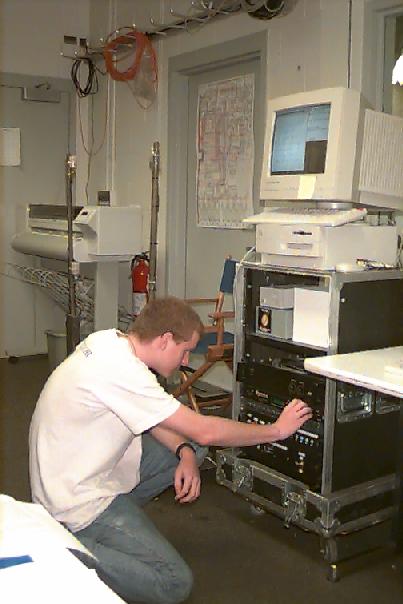
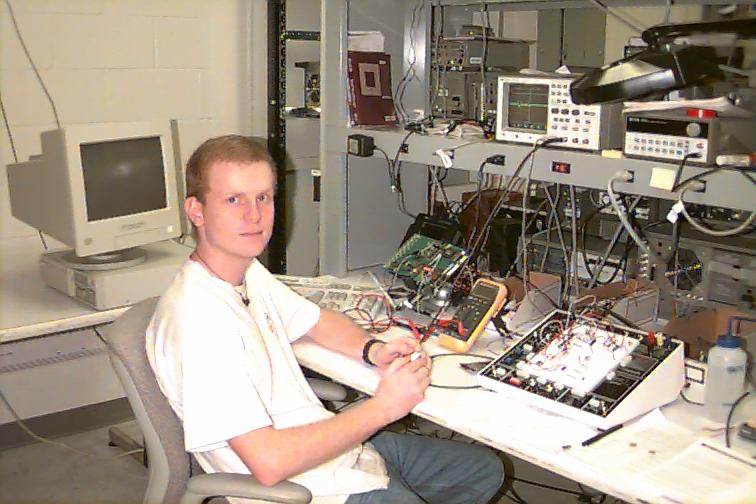
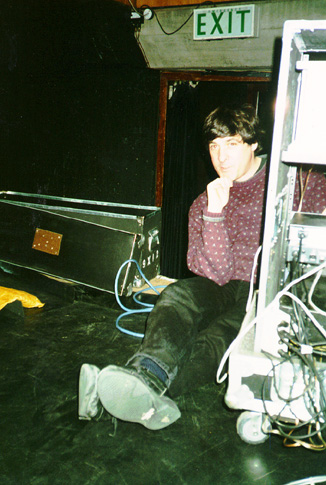
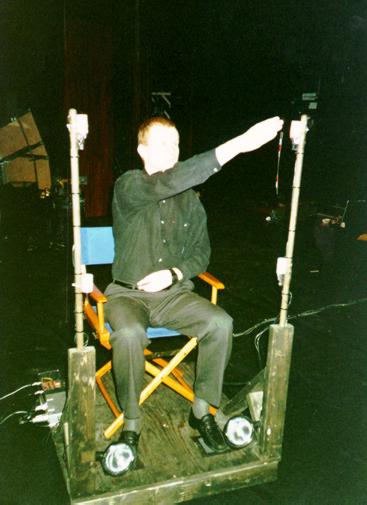
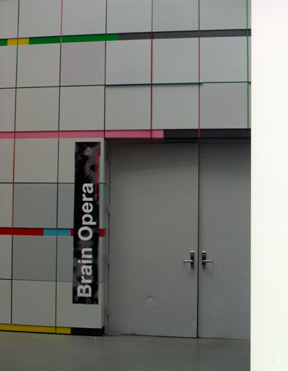
<p>Roughly 25 years ago, when I was an undergraduate at MIT, I was a member of the Brain Opera team at the <a href="https://www.media.mit.edu/">MIT Media Lab</a>. Specifically, I worked with <a href="https://dencklatronic.blogspot.com/">Ben Denckla</a> to write <a href="https://opera.media.mit.edu/rogus/home.html">Rogus McBogus</a>, the MIDI software which the Brain Opera was built on top of.</p>
<p><a href="https://park.org/Events/BrainOpera/">An archive of the original Brain Opera website</a> still exists, although some of the links are broken. Part of that website is a <a href="https://park.org/Events/BrainOpera/graphics/archive/index.html">page of pictures</a>.</p>
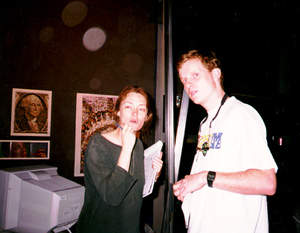
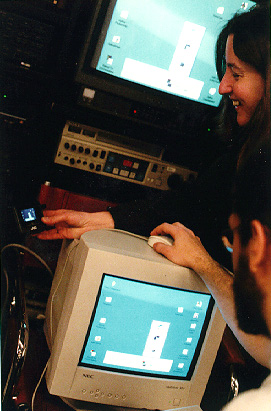
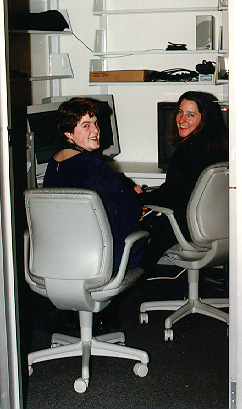
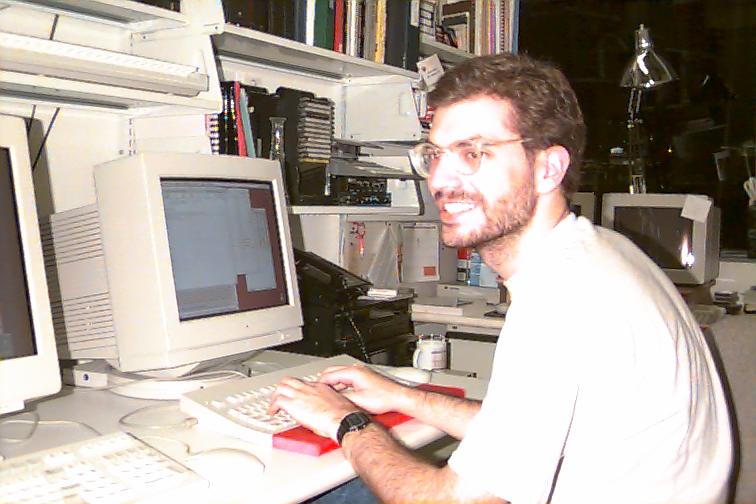
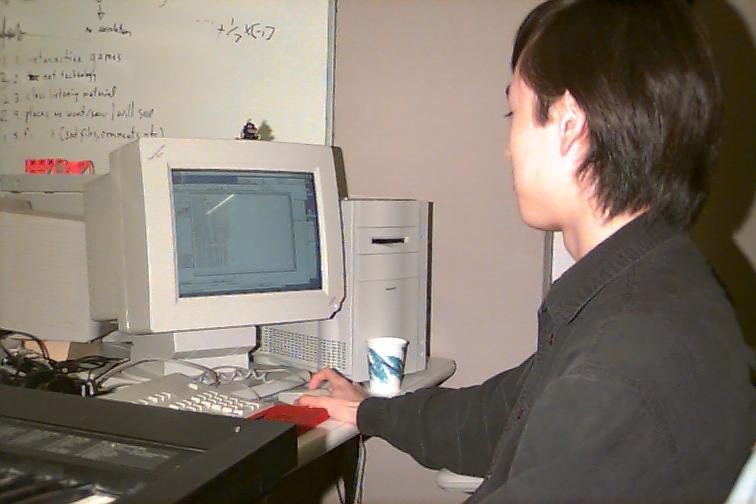
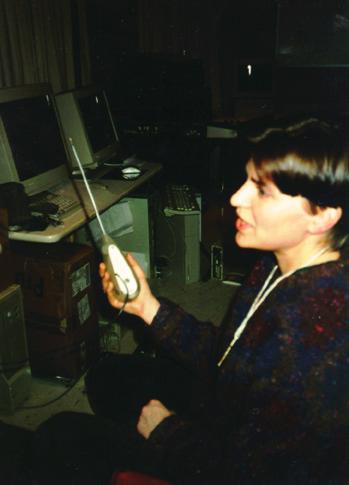
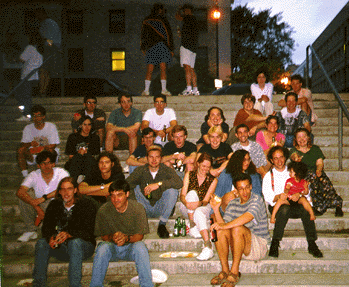
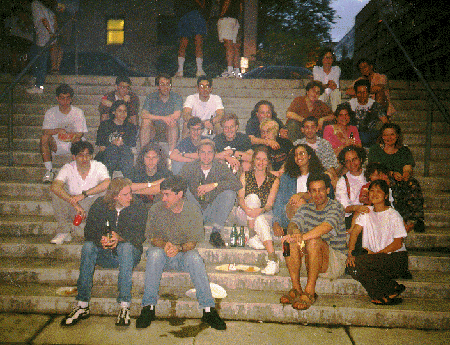
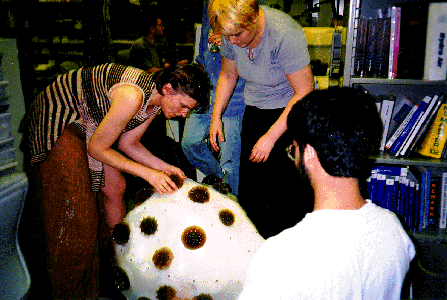
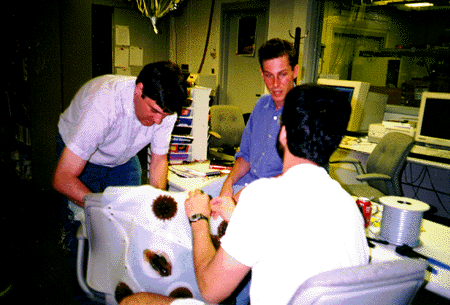
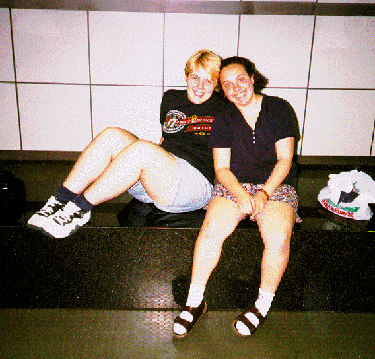
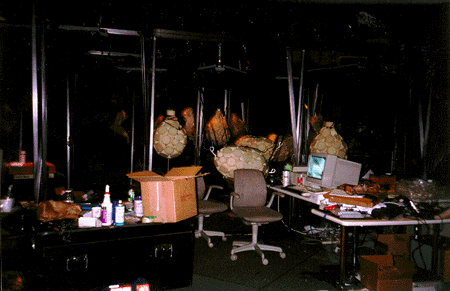
<p>The Web has come a long way in the past 25 years, and I thought it would be nice to have a list of those pictures that includes thumbnails. So, here it is:</p>
<table style="width: 800px; border-collapse: collapse; border: 1px solid black;">
<tbody>
<tr>
<td style="border: 1px solid black; padding: 12px;">
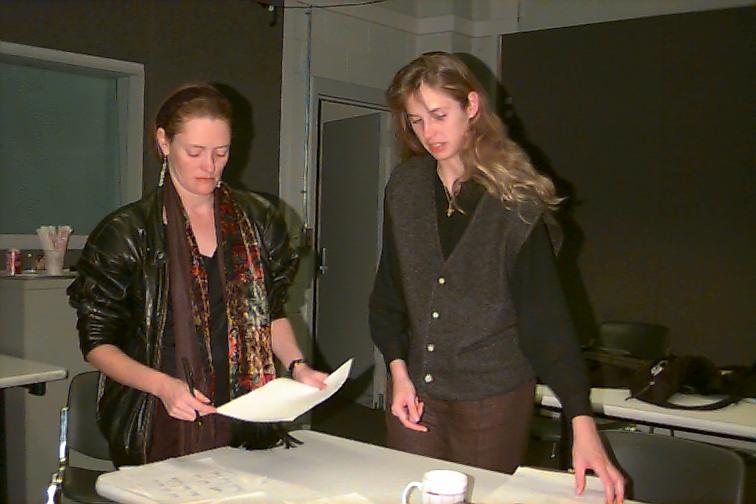
<a href="https://park.org/Events/BrainOpera/graphics/archive/fight.jpg"><img style="display:block; margin-left: auto; margin-right: auto" src="https://funwithsoftware.org/brainop-thumbnails/fight-240x166.jpg" width="240" height="166" alt="Teresa clearly winning in a common-room free-for-all versus Ed." /></a>
<p style="text-align: center;">
Teresa clearly winning in a common-room free-for-all versus Ed.
</p>
</td>
<td style="border: 1px solid black; padding: 12px;">
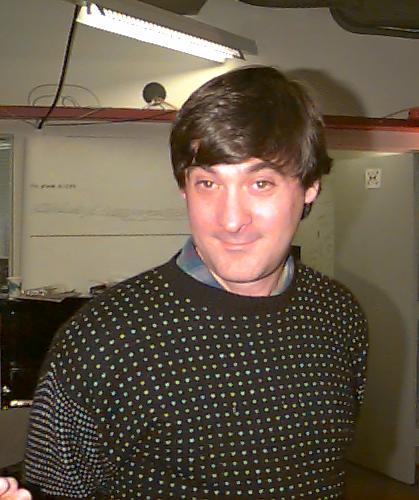
<a href="https://park.org/Events/BrainOpera/graphics/archive/joep-smirk.jpg"><img style="display:block; margin-left: auto; margin-right: auto" src="https://funwithsoftware.org/brainop-thumbnails/joep-smirk-201x240.jpg" width="201" height="240" alt="A classic smirk by Joe Paradiso." /></a>
<p style="text-align: center;">
A classic smirk by Joe Paradiso.
</p>
</td>
<td style="border: 1px solid black; padding: 12px;">
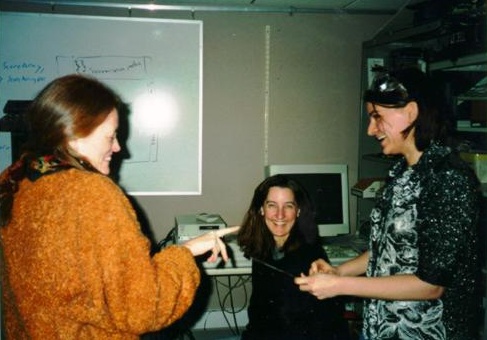
<a href="https://park.org/Events/BrainOpera/graphics/archive/mbb-morth-sdaniel2.jpg"><img style="display:block; margin-left: auto; margin-right: auto" src="https://funwithsoftware.org/brainop-thumbnails/mbb-morth-sdaniel2-240x168.jpg" width="240" height="168" alt="Maribeth, Sharon, and Maggie, having fun with plastics." /></a>
<p style="text-align: center;">
Maribeth, Sharon, and Maggie, having fun with plastics.
</p>
</td>
</tr>
<tr>
<td style="border: 1px solid black; padding: 12px;">
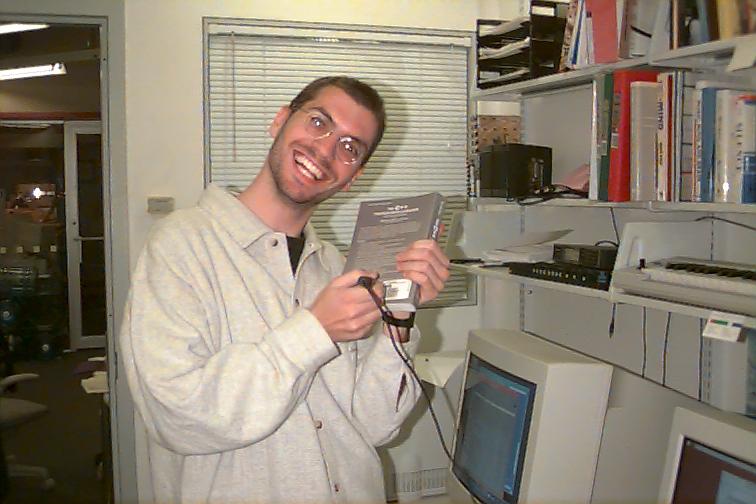
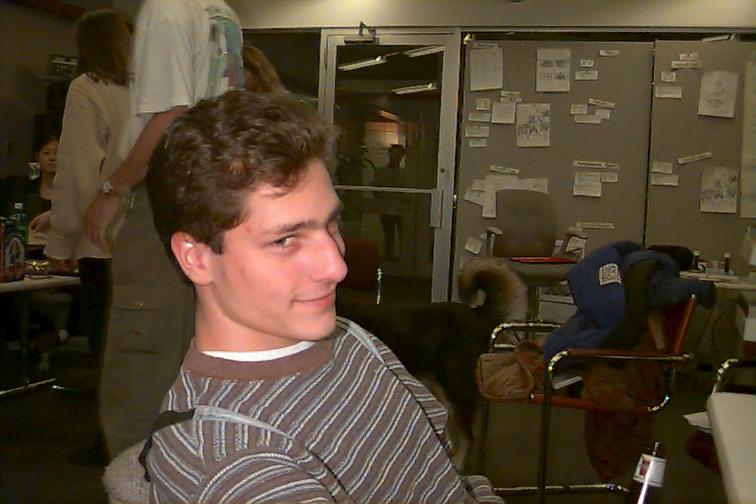
<a href="https://park.org/Events/BrainOpera/graphics/archive/bdenckla-barcode.jpg"><img style="display:block; margin-left: auto; margin-right: auto" src="https://funwithsoftware.org/brainop-thumbnails/bdenckla-barcode-240x160.jpg" width="240" height="160" alt="Ben Denckla, in Barcode heaven." /></a>
<p style="text-align: center;">
Ben Denckla, in Barcode heaven.
</p>
</td>
<td style="border: 1px solid black; padding: 12px;">
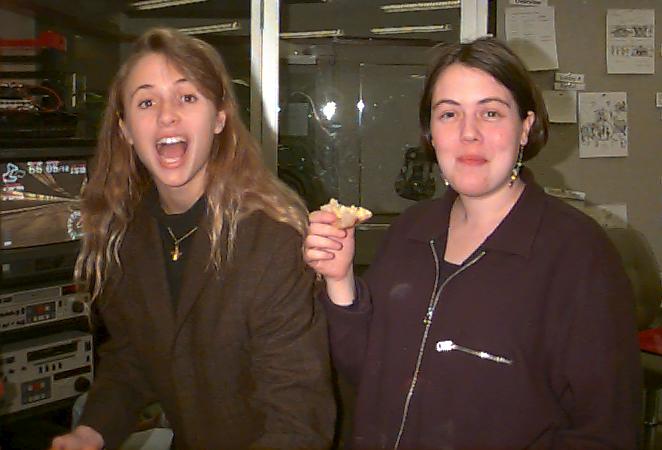
<a href="https://park.org/Events/BrainOpera/graphics/archive/marrin-tanya.jpg"><img style="display:block; margin-left: auto; margin-right: auto" src="https://funwithsoftware.org/brainop-thumbnails/marrin-tanya-240x163.jpg" width="240" height="163" alt="Teresa and Tanya, hamming it up during sherry hour." /></a>
<p style="text-align: center;">
Teresa and Tanya, hamming it up during sherry hour.
</p>
</td>
<td style="border: 1px solid black; padding: 12px;">
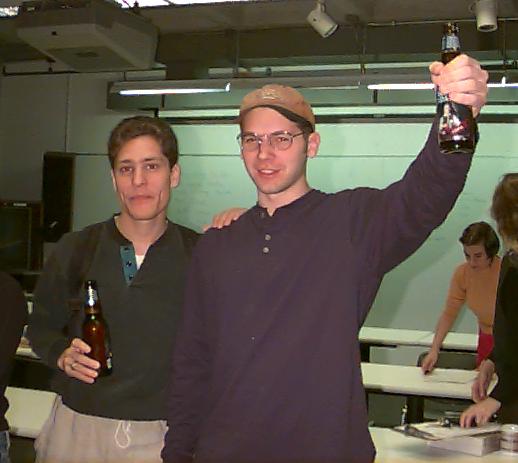
<a href="https://park.org/Events/BrainOpera/graphics/archive/mgorbet-pwrice.jpg"><img style="display:block; margin-left: auto; margin-right: auto" src="https://funwithsoftware.org/brainop-thumbnails/mgorbet-pwrice-240x215.jpg" width="240" height="215" alt="Matt and Pete, in a ceremonial toast to Sam Adams." /></a>
<p style="text-align: center;">
Matt and Pete, in a ceremonial toast to Sam Adams.
</p>
</td>
</tr>
<tr>
<td style="border: 1px solid black; padding: 12px;">
<a href="https://park.org/Events/BrainOpera/graphics/archive/tod-closeup.jpg"><img style="display:block; margin-left: auto; margin-right: auto" src="https://funwithsoftware.org/brainop-thumbnails/tod-closeup-240x160.jpg" width="240" height="160" alt="Tod, extremely close-up (warning: not for the faint of heart)." /></a>
<p style="text-align: center;">
Tod, extremely close-up (warning: not for the faint of heart).
</p>
</td>
<td style="border: 1px solid black; padding: 12px;">
<a href="https://park.org/Events/BrainOpera/graphics/archive/mas142.jpg"><img style="display:block; margin-left: auto; margin-right: auto" src="https://funwithsoftware.org/brainop-thumbnails/mas142-240x160.jpg" width="240" height="160" alt="Homework for Tod's class." /></a>
<p style="text-align: center;">
Homework for Tod’s class.
</p>
</td>
<td style="border: 1px solid black; padding: 12px;">
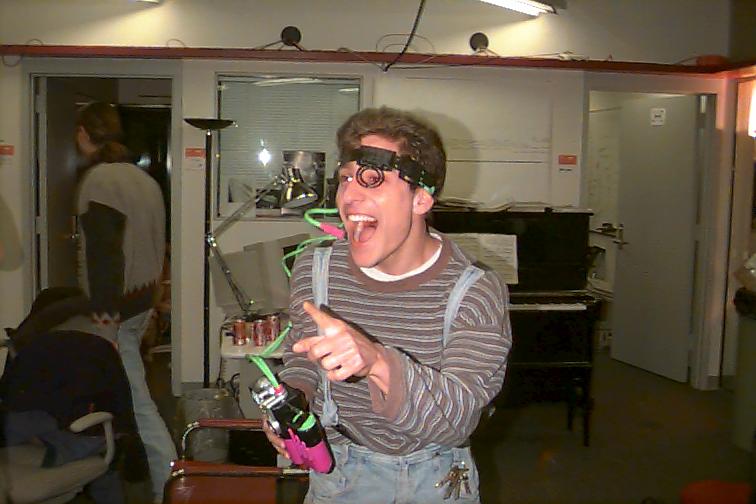
<a href="https://park.org/Events/BrainOpera/graphics/archive/matt-watergun.jpg"><img style="display:block; margin-left: auto; margin-right: auto" src="https://funwithsoftware.org/brainop-thumbnails/matt-watergun-240x160.jpg" width="240" height="160" alt="Matt and his gun." /></a>
<p style="text-align: center;">
Matt and his gun.
</p>
</td>
</tr>
<tr>
<td style="border: 1px solid black; padding: 12px;">
<a href="https://park.org/Events/BrainOpera/graphics/archive/ben-weird.jpg"><img style="display:block; margin-left: auto; margin-right: auto" src="https://funwithsoftware.org/brainop-thumbnails/ben-weird-240x160.jpg" width="240" height="160" alt="Our wacky, first webmaster, Ben Adida" /></a>
<p style="text-align: center;">
Our wacky, first webmaster, Ben Adida
</p>
</td>
<td style="border: 1px solid black; padding: 12px;">
<a href="https://park.org/Events/BrainOpera/graphics/archive/ara.jpg"><img style="display:block; margin-left: auto; margin-right: auto" src="https://funwithsoftware.org/brainop-thumbnails/ara-150x234.jpg" width="150" height="234" alt="A beaming Ara Knaian, flush with excitement over the Rhythm Tree pads." /></a>
<p style="text-align: center;">
A beaming Ara Knaian, flush with excitement over the Rhythm Tree pads.
</p>
</td>
<td style="border: 1px solid black; padding: 12px;">
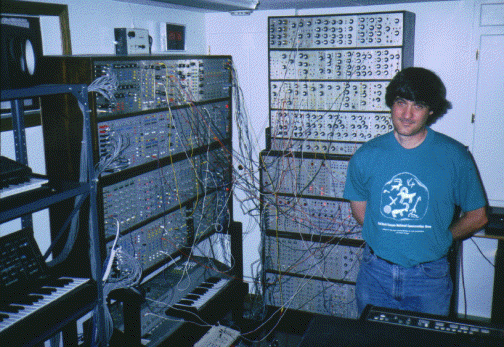
<a href="https://park.org/Events/BrainOpera/graphics/archive/joe-synth1.gif"><img style="display:block; margin-left: auto; margin-right: auto" src="https://funwithsoftware.org/brainop-thumbnails/joe-synth1-240x165.jpg" width="240" height="165" alt="Joe Paradiso with the synthesizer he built in his basement." /></a>
<p style="text-align: center;">
Joe Paradiso with the synthesizer he built in his basement.
</p>
</td>
</tr>
<tr>
<td style="border: 1px solid black; padding: 12px;">
<a href="https://park.org/Events/BrainOpera/graphics/archive/audio-team.jpg"><img style="display:block; margin-left: auto; margin-right: auto" src="https://funwithsoftware.org/brainop-thumbnails/audio-team-240x186.jpg" width="240" height="186" alt="The Audio Super-Twins, Maribeth and Ed, conferring about special powers." /></a>
<p style="text-align: center;">
The Audio Super-Twins, Maribeth and Ed, conferring about special powers.
</p>
</td>
<td style="border: 1px solid black; padding: 12px;">
<a href="https://park.org/Events/BrainOpera/graphics/archive/cube2.jpg"><img style="display:block; margin-left: auto; margin-right: auto" src="https://funwithsoftware.org/brainop-thumbnails/cube2-167x240.jpg" width="167" height="240" alt="A technician from Mystic Scene Shop, putting together the Mind Forest hardware." /></a>
<p style="text-align: center;">
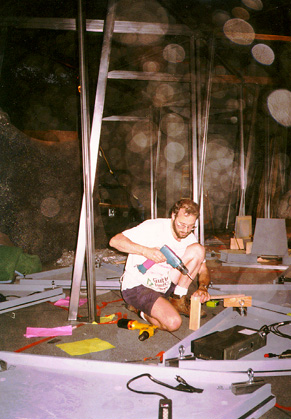
A technician from Mystic Scene Shop, putting together the Mind Forest hardware.
</p>
</td>
<td style="border: 1px solid black; padding: 12px;">
<a href="https://park.org/Events/BrainOpera/graphics/archive/party2.jpg"><img style="display:block; margin-left: auto; margin-right: auto" src="https://funwithsoftware.org/brainop-thumbnails/party2-171x240.jpg" width="171" height="240" alt="Maggie Orth's birthday party." /></a>
<p style="text-align: center;">
Maggie Orth’s birthday party.
</p>
</td>
</tr>
<tr>
<td style="border: 1px solid black; padding: 12px;">
<a href="https://park.org/Events/BrainOpera/graphics/archive/party.jpg"><img style="display:block; margin-left: auto; margin-right: auto" src="https://funwithsoftware.org/brainop-thumbnails/party-240x167.jpg" width="240" height="167" alt="Well-wishers and onlookers at Maggie's party." /></a>
<p style="text-align: center;">
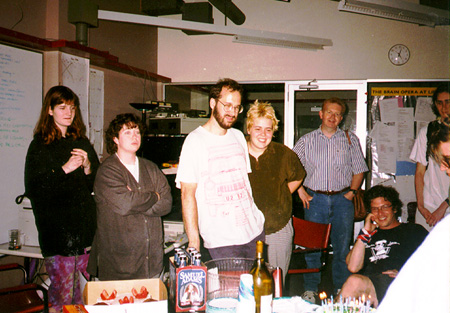
Well-wishers and onlookers at Maggie’s party.
</p>
</td>
<td style="border: 1px solid black; padding: 12px;">
<a href="https://park.org/Events/BrainOpera/graphics/archive/team.jpg"><img style="display:block; margin-left: auto; margin-right: auto" src="https://funwithsoftware.org/brainop-thumbnails/team-240x169.jpg" width="240" height="169" alt="Joyously opening up the Yamaha speakers in the Cube." /></a>
<p style="text-align: center;">
Joyously opening up the Yamaha speakers in the Cube.
</p>
</td>
<td style="border: 1px solid black; padding: 12px;">
<a href="https://park.org/Events/BrainOpera/graphics/archive/computer.jpg"><img style="display:block; margin-left: auto; margin-right: auto" src="https://funwithsoftware.org/brainop-thumbnails/computer-158x240.jpg" width="158" height="240" alt="Sharon and Ben testing the mini-monitors" /></a>
<p style="text-align: center;">
Sharon and Ben testing the mini-monitors
</p>
</td>
</tr>
<tr>
<td style="border: 1px solid black; padding: 12px;">
<a href="https://park.org/Events/BrainOpera/graphics/archive/sdanielzoe.jpg"><img style="display:block; margin-left: auto; margin-right: auto" src="https://funwithsoftware.org/brainop-thumbnails/sdanielzoe-142x240.jpg" width="142" height="240" alt="Sharon and Zoe at work." /></a>
<p style="text-align: center;">
Sharon and Zoe at work.
</p>
</td>
<td style="border: 1px solid black; padding: 12px;">
<a href="https://park.org/Events/BrainOpera/graphics/archive/maggiefood.jpg"><img style="display:block; margin-left: auto; margin-right: auto" src="https://funwithsoftware.org/brainop-thumbnails/maggiefood-156x240.jpg" width="156" height="240" alt="Maggie, setting up for Sherry Hour" /></a>
<p style="text-align: center;">
Maggie, setting up for Sherry Hour
</p>
</td>
<td style="border: 1px solid black; padding: 12px;">
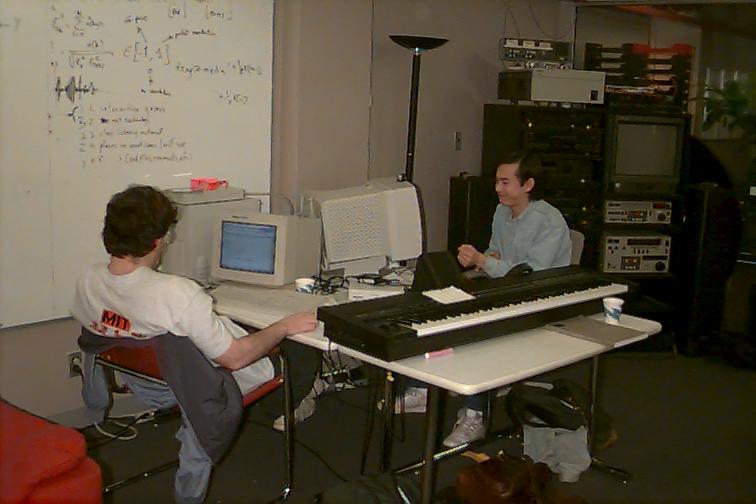
<a href="https://park.org/Events/BrainOpera/graphics/archive/bdenckla-patrick.jpg"><img style="display:block; margin-left: auto; margin-right: auto" src="https://funwithsoftware.org/brainop-thumbnails/bdenckla-patrick-240x160.jpg" width="240" height="160" alt="Ben and Patrick, the wondertwins of code." /></a>
<p style="text-align: center;">
Ben and Patrick, the wondertwins of code.
</p>
</td>
</tr>
<tr>
<td style="border: 1px solid black; padding: 12px;">
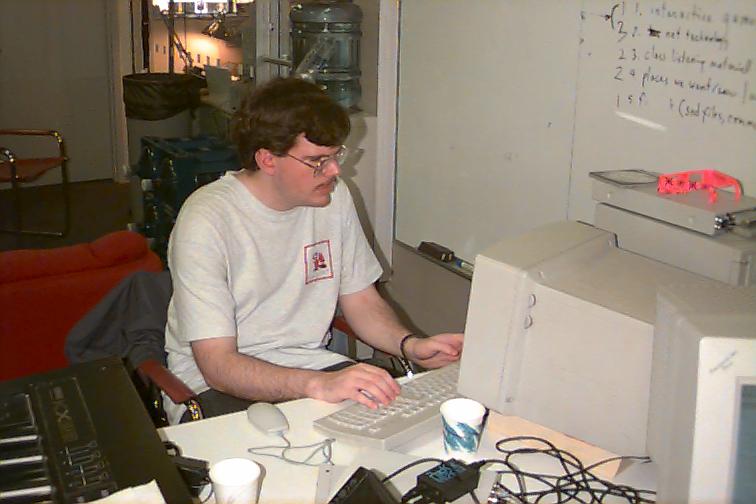
<a href="https://park.org/Events/BrainOpera/graphics/archive/bdenckla-smiling.jpg"><img style="display:block; margin-left: auto; margin-right: auto" src="https://funwithsoftware.org/brainop-thumbnails/bdenckla-smiling-240x160.jpg" width="240" height="160" alt="Ben Denckla, coding away." /></a>
<p style="text-align: center;">
Ben Denckla, coding away.
</p>
</td>
<td style="border: 1px solid black; padding: 12px;">
<a href="https://park.org/Events/BrainOpera/graphics/archive/cyu-common.jpg"><img style="display:block; margin-left: auto; margin-right: auto" src="https://funwithsoftware.org/brainop-thumbnails/cyu-common-240x160.jpg" width="240" height="160" alt="John Yu, close up and in his element." /></a>
<p style="text-align: center;">
John Yu, close up and in his element.
</p>
</td>
<td style="border: 1px solid black; padding: 12px;">
<a href="https://park.org/Events/BrainOpera/graphics/archive/cyu-weird.jpg"><img style="display:block; margin-left: auto; margin-right: auto" src="https://funwithsoftware.org/brainop-thumbnails/cyu-weird-240x160.jpg" width="240" height="160" alt="More of John Yu in his element." /></a>
<p style="text-align: center;">
More of John Yu in his element.
</p>
</td>
</tr>
<tr>
<td style="border: 1px solid black; padding: 12px;">
<a href="https://park.org/Events/BrainOpera/graphics/archive/jkang1.jpg"><img style="display:block; margin-left: auto; margin-right: auto" src="https://funwithsoftware.org/brainop-thumbnails/jkang1-240x160.jpg" width="240" height="160" alt="Jin Kang at work." /></a>
<p style="text-align: center;">
Jin Kang at work.
</p>
</td>
<td style="border: 1px solid black; padding: 12px;">
<a href="https://park.org/Events/BrainOpera/graphics/archive/jkang2.jpg"><img style="display:block; margin-left: auto; margin-right: auto" src="https://funwithsoftware.org/brainop-thumbnails/jkang2-240x160.jpg" width="240" height="160" alt="Jin Kang at play." /></a>
<p style="text-align: center;">
Jin Kang at play.
</p>
</td>
<td style="border: 1px solid black; padding: 12px;">
<a href="https://park.org/Events/BrainOpera/graphics/archive/jkang3.jpg"><img style="display:block; margin-left: auto; margin-right: auto" src="https://funwithsoftware.org/brainop-thumbnails/jkang3-240x160.jpg" width="240" height="160" alt="Jin Kang, early for a meeting. " /></a>
<p style="text-align: center;">
Jin Kang, early for a meeting.
</p>
</td>
</tr>
<tr>
<td style="border: 1px solid black; padding: 12px;">
<a href="https://park.org/Events/BrainOpera/graphics/archive/june-tod.jpg"><img style="display:block; margin-left: auto; margin-right: auto" src="https://funwithsoftware.org/brainop-thumbnails/june-tod-240x160.jpg" width="240" height="160" alt="June and Tod at work during sherry hour." /></a>
<p style="text-align: center;">
June and Tod at work during sherry hour.
</p>
</td>
<td style="border: 1px solid black; padding: 12px;">
<a href="https://park.org/Events/BrainOpera/graphics/archive/marrin-gorbet.jpg"><img style="display:block; margin-left: auto; margin-right: auto" src="https://funwithsoftware.org/brainop-thumbnails/marrin-gorbet-240x160.jpg" width="240" height="160" alt="Teresa Marrin and Matt Gorbet." /></a>
<p style="text-align: center;">
Teresa Marrin and Matt Gorbet.
</p>
</td>
<td style="border: 1px solid black; padding: 12px;">
<a href="https://park.org/Events/BrainOpera/graphics/archive/mbb-marrin.jpg"><img style="display:block; margin-left: auto; margin-right: auto" src="https://funwithsoftware.org/brainop-thumbnails/mbb-marrin-240x160.jpg" width="240" height="160" alt="Maribeth and Teresa." /></a>
<p style="text-align: center;">
Maribeth and Teresa.
</p>
</td>
</tr>
<tr>
<td style="border: 1px solid black; padding: 12px;">
<a href="https://park.org/Events/BrainOpera/graphics/archive/mgorbet-weird.jpg"><img style="display:block; margin-left: auto; margin-right: auto" src="https://funwithsoftware.org/brainop-thumbnails/mgorbet-weird-240x160.jpg" width="240" height="160" alt="Matt in a silly mood. " /></a>
<p style="text-align: center;">
Matt in a silly mood.
</p>
</td>
<td style="border: 1px solid black; padding: 12px;">
<a href="https://park.org/Events/BrainOpera/graphics/archive/pepellet.jpg"><img style="display:block; margin-left: auto; margin-right: auto" src="https://funwithsoftware.org/brainop-thumbnails/pepellet-240x160.jpg" width="240" height="160" alt="Patrick at work." /></a>
<p style="text-align: center;">
Patrick at work.
</p>
</td>
<td style="border: 1px solid black; padding: 12px;">
<a href="https://park.org/Events/BrainOpera/graphics/archive/pepellet-bdenckla.jpg"><img style="display:block; margin-left: auto; margin-right: auto" src="https://funwithsoftware.org/brainop-thumbnails/pepellet-bdenckla-240x160.jpg" width="240" height="160" alt="Patrick and Ben, in their usual style." /></a>
<p style="text-align: center;">
Patrick and Ben, in their usual style.
</p>
</td>
</tr>
<tr>
<td style="border: 1px solid black; padding: 12px;">
<a href="https://park.org/Events/BrainOpera/graphics/archive/pepellet-cyu.jpg"><img style="display:block; margin-left: auto; margin-right: auto" src="https://funwithsoftware.org/brainop-thumbnails/pepellet-cyu-240x160.jpg" width="240" height="160" alt="Patrick and John at work." /></a>
<p style="text-align: center;">
Patrick and John at work.
</p>
</td>
<td style="border: 1px solid black; padding: 12px;">
<a href="https://park.org/Events/BrainOpera/graphics/archive/cyu3.jpg"><img style="display:block; margin-left: auto; margin-right: auto" src="https://funwithsoftware.org/brainop-thumbnails/cyu3-240x160.jpg" width="240" height="160" alt="John, at work by himself." /></a>
<p style="text-align: center;">
John, at work by himself.
</p>
</td>
<td style="border: 1px solid black; padding: 12px;">
<a href="https://park.org/Events/BrainOpera/graphics/archive/pwrice-sitting.jpg"><img style="display:block; margin-left: auto; margin-right: auto" src="https://funwithsoftware.org/brainop-thumbnails/pwrice-sitting-240x160.jpg" width="240" height="160" alt="Pete, kicking back." /></a>
<p style="text-align: center;">
Pete, kicking back.
</p>
</td>
</tr>
<tr>
<td style="border: 1px solid black; padding: 12px;">
<a href="https://park.org/Events/BrainOpera/graphics/archive/rolf-renderer.jpg"><img style="display:block; margin-left: auto; margin-right: auto" src="https://funwithsoftware.org/brainop-thumbnails/rolf-renderer-240x160.jpg" width="240" height="160" alt="Rolf Rando at work" /></a>
<p style="text-align: center;">
Rolf Rando at work
</p>
</td>
<td style="border: 1px solid black; padding: 12px;">
<a href="https://park.org/Events/BrainOpera/graphics/archive/rrando-computer.jpg"><img style="display:block; margin-left: auto; margin-right: auto" src="https://funwithsoftware.org/brainop-thumbnails/rrando-computer-240x160.jpg" width="240" height="160" alt="Rolf at work 2." /></a>
<p style="text-align: center;">
Rolf at work 2.
</p>
</td>
<td style="border: 1px solid black; padding: 12px;">
<a href="https://park.org/Events/BrainOpera/graphics/archive/rrando-fish.jpg"><img style="display:block; margin-left: auto; margin-right: auto" src="https://funwithsoftware.org/brainop-thumbnails/rrando-fish-240x160.jpg" width="240" height="160" alt="Rolf at work 3." /></a>
<p style="text-align: center;">
Rolf at work 3.
</p>
</td>
</tr>
<tr>
<td style="border: 1px solid black; padding: 12px;">
<a href="https://park.org/Events/BrainOpera/graphics/archive/rrando-fish2.jpg"><img style="display:block; margin-left: auto; margin-right: auto" src="https://funwithsoftware.org/brainop-thumbnails/rrando-fish2-240x160.jpg" width="240" height="160" alt="Rolf at work 4." /></a>
<p style="text-align: center;">
Rolf at work 4.
</p>
</td>
<td style="border: 1px solid black; padding: 12px;">
<a href="https://park.org/Events/BrainOpera/graphics/archive/spock-adj.jpg"><img style="display:block; margin-left: auto; margin-right: auto" src="https://funwithsoftware.org/brainop-thumbnails/spock-adj-160x240.jpg" width="160" height="240" alt="Spock working on the Sensor Chair." /></a>
<p style="text-align: center;">
Spock working on the Sensor Chair.
</p>
</td>
<td style="border: 1px solid black; padding: 12px;">
<a href="https://park.org/Events/BrainOpera/graphics/archive/spock1.jpg"><img style="display:block; margin-left: auto; margin-right: auto" src="https://funwithsoftware.org/brainop-thumbnails/spock1-240x160.jpg" width="240" height="160" alt="Spock with his scope." /></a>
<p style="text-align: center;">
Spock with his scope.
</p>
</td>
</tr>
<tr>
<td style="border: 1px solid black; padding: 12px;">
<a href="https://park.org/Events/BrainOpera/graphics/archive/spock-scope2.jpg"><img style="display:block; margin-left: auto; margin-right: auto" src="https://funwithsoftware.org/brainop-thumbnails/spock-scope2-240x160.jpg" width="240" height="160" alt="Spock with his scope, looking serious." /></a>
<p style="text-align: center;">
Spock with his scope, looking serious.
</p>
</td>
<td style="border: 1px solid black; padding: 12px;">
<a href="https://park.org/Events/BrainOpera/graphics/archive/joep.gif"><img style="display:block; margin-left: auto; margin-right: auto" src="https://funwithsoftware.org/brainop-thumbnails/joep-161x240.jpg" width="161" height="240" alt="Joe Paradiso setting up for the gig in London." /></a>
<p style="text-align: center;">
Joe Paradiso setting up for the gig in London.
</p>
</td>
<td style="border: 1px solid black; padding: 12px;">
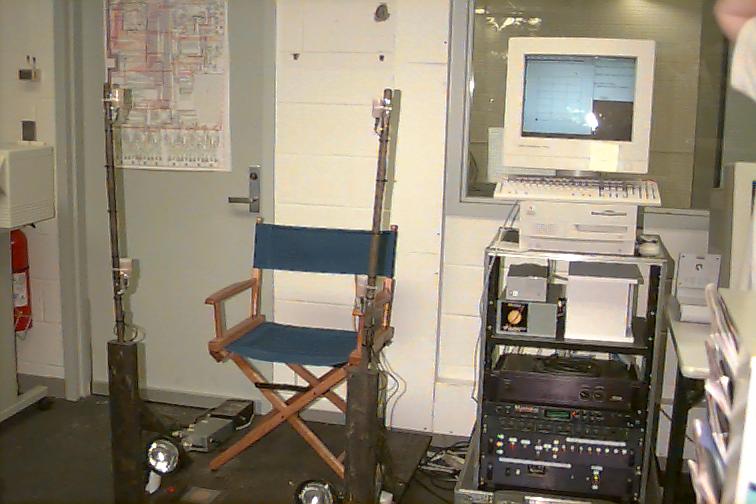
<a href="https://park.org/Events/BrainOpera/graphics/archive/spock-chair.jpg"><img style="display:block; margin-left: auto; margin-right: auto" src="https://funwithsoftware.org/brainop-thumbnails/spock-chair-174x240.jpg" width="174" height="240" alt="Ed calibrating the Sensor Chair in London, March 1996" /></a>
<p style="text-align: center;">
Ed calibrating the Sensor Chair in London, March 1996
</p>
</td>
</tr>
<tr>
<td style="border: 1px solid black; padding: 12px;">
<a href="https://park.org/Events/BrainOpera/graphics/archive/spock-chair2.jpg"><img style="display:block; margin-left: auto; margin-right: auto" src="https://funwithsoftware.org/brainop-thumbnails/spock-chair2-173x240.jpg" width="173" height="240" alt="More calibrations in the chair" /></a>
<p style="text-align: center;">
More calibrations in the chair
</p>
</td>
<td style="border: 1px solid black; padding: 12px;">
<a href="https://park.org/Events/BrainOpera/graphics/archive/cube.jpg"><img style="display:block; margin-left: auto; margin-right: auto" src="https://funwithsoftware.org/brainop-thumbnails/cube-186x240.jpg" width="186" height="240" alt="Portal to the Cube, Brain Opera central." /></a>
<p style="text-align: center;">
Portal to the Cube, Brain Opera central.
</p>
</td>
<td style="border: 1px solid black; padding: 12px;">
<a href="https://park.org/Events/BrainOpera/graphics/archive/sensorchair.jpg"><img style="display:block; margin-left: auto; margin-right: auto" src="https://funwithsoftware.org/brainop-thumbnails/sensorchair-240x160.jpg" width="240" height="160" alt="The Sensor Chair." /></a>
<p style="text-align: center;">
The Sensor Chair.
</p>
</td>
</tr>
<tr>
<td style="border: 1px solid black; padding: 12px;">
<a href="https://park.org/Events/BrainOpera/graphics/archive/1010-radar-sound-shit.jpg"><img style="display:block; margin-left: auto; margin-right: auto" src="https://funwithsoftware.org/brainop-thumbnails/1010-radar-sound-shit-240x160.jpg" width="240" height="160" alt="Radar music at 10/10." /></a>
<p style="text-align: center;">
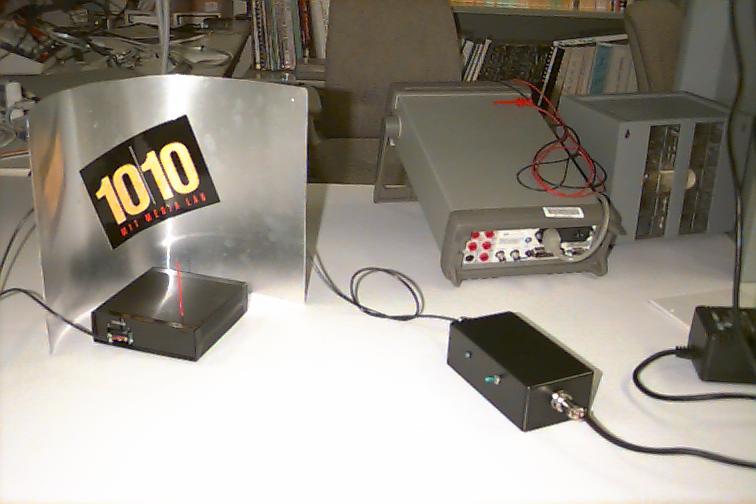
Radar music at 10/10.
</p>
</td>
<td style="border: 1px solid black; padding: 12px;">
<a href="https://park.org/Events/BrainOpera/graphics/archive/baton1.jpg"><img style="display:block; margin-left: auto; margin-right: auto" src="https://funwithsoftware.org/brainop-thumbnails/baton1-240x164.jpg" width="240" height="164" alt="Pictures of the Digital Baton (1/7)" /></a>
<p style="text-align: center;">
Pictures of the Digital Baton (1/7)
</p>
</td>
<td style="border: 1px solid black; padding: 12px;">
<a href="https://park.org/Events/BrainOpera/graphics/archive/baton2.jpg"><img style="display:block; margin-left: auto; margin-right: auto" src="https://funwithsoftware.org/brainop-thumbnails/baton2-240x162.jpg" width="240" height="162" alt="Pictures of the Digital Baton (2/7)" /></a>
<p style="text-align: center;">
Pictures of the Digital Baton (2/7)
</p>
</td>
</tr>
<tr>
<td style="border: 1px solid black; padding: 12px;">
<a href="https://park.org/Events/BrainOpera/graphics/archive/baton3.jpg"><img style="display:block; margin-left: auto; margin-right: auto" src="https://funwithsoftware.org/brainop-thumbnails/baton3-240x161.jpg" width="240" height="161" alt="Pictures of the Digital Baton (3/7)" /></a>
<p style="text-align: center;">
Pictures of the Digital Baton (3/7)
</p>
</td>
<td style="border: 1px solid black; padding: 12px;">
<a href="https://park.org/Events/BrainOpera/graphics/archive/baton4.jpg"><img style="display:block; margin-left: auto; margin-right: auto" src="https://funwithsoftware.org/brainop-thumbnails/baton4-240x163.jpg" width="240" height="163" alt="Pictures of the Digital Baton (4/7)" /></a>
<p style="text-align: center;">
Pictures of the Digital Baton (4/7)
</p>
</td>
<td style="border: 1px solid black; padding: 12px;">
<a href="https://park.org/Events/BrainOpera/graphics/archive/baton5.jpg"><img style="display:block; margin-left: auto; margin-right: auto" src="https://funwithsoftware.org/brainop-thumbnails/baton5-240x172.jpg" width="240" height="172" alt="Pictures of the Digital Baton (5/7)" /></a>
<p style="text-align: center;">
Pictures of the Digital Baton (5/7)
</p>
</td>
</tr>
<tr>
<td style="border: 1px solid black; padding: 12px;">
<a href="https://park.org/Events/BrainOpera/graphics/archive/baton6.jpg"><img style="display:block; margin-left: auto; margin-right: auto" src="https://funwithsoftware.org/brainop-thumbnails/baton6-240x180.jpg" width="240" height="180" alt="Pictures of the Digital Baton (6/7)" /></a>
<p style="text-align: center;">
Pictures of the Digital Baton (6/7)
</p>
</td>
<td style="border: 1px solid black; padding: 12px;">
<a href="https://park.org/Events/BrainOpera/graphics/archive/Teresa.gif"><img style="display:block; margin-left: auto; margin-right: auto" src="https://funwithsoftware.org/brainop-thumbnails/Teresa-240x150.jpg" width="240" height="150" alt="Pictures of the Digital Baton (7/7)" /></a>
<p style="text-align: center;">
Pictures of the Digital Baton (7/7)
</p>
</td>
<td style="border: 1px solid black; padding: 12px;">
<a href="https://park.org/Events/BrainOpera/graphics/archive/maggie-baton.jpg"><img style="display:block; margin-left: auto; margin-right: auto" src="https://funwithsoftware.org/brainop-thumbnails/maggie-baton-176x240.jpg" width="176" height="240" alt="Maggie Orth and the Digital Baton (1/5)" /></a>
<p style="text-align: center;">
Maggie Orth and the Digital Baton (1/5)
</p>
</td>
</tr>
<tr>
<td style="border: 1px solid black; padding: 12px;">
<a href="https://park.org/Events/BrainOpera/graphics/archive/maggie-baton2.jpg"><img style="display:block; margin-left: auto; margin-right: auto" src="https://funwithsoftware.org/brainop-thumbnails/maggie-baton2-175x240.jpg" width="175" height="240" alt="Maggie Orth and the Digital Baton (2/5)" /></a>
<p style="text-align: center;">
Maggie Orth and the Digital Baton (2/5)
</p>
</td>
<td style="border: 1px solid black; padding: 12px;">
<a href="https://park.org/Events/BrainOpera/graphics/archive/maggie-baton3.jpg"><img style="display:block; margin-left: auto; margin-right: auto" src="https://funwithsoftware.org/brainop-thumbnails/maggie-baton3-163x240.jpg" width="163" height="240" alt="Maggie Orth and the Digital Baton (3/5)" /></a>
<p style="text-align: center;">
Maggie Orth and the Digital Baton (3/5)
</p>
</td>
<td style="border: 1px solid black; padding: 12px;">
<a href="https://park.org/Events/BrainOpera/graphics/archive/maggie-baton5.jpg"><img style="display:block; margin-left: auto; margin-right: auto" src="https://funwithsoftware.org/brainop-thumbnails/maggie-baton5-174x240.jpg" width="174" height="240" alt="Maggie Orth and the Digital Baton (4/5)" /></a>
<p style="text-align: center;">
Maggie Orth and the Digital Baton (4/5)
</p>
</td>
</tr>
<tr>
<td style="border: 1px solid black; padding: 12px;">
<a href="https://park.org/Events/BrainOpera/graphics/archive/maggie-baton6.jpg"><img style="display:block; margin-left: auto; margin-right: auto" src="https://funwithsoftware.org/brainop-thumbnails/maggie-baton6-173x240.jpg" width="173" height="240" alt="Maggie Orth and the Digital Baton (5/5)" /></a>
<p style="text-align: center;">
Maggie Orth and the Digital Baton (5/5)
</p>
</td>
<td style="border: 1px solid black; padding: 12px;">
<a href="https://park.org/Events/BrainOpera/graphics/archive/ara.jpg.1"><img style="display:block; margin-left: auto; margin-right: auto" src="https://funwithsoftware.org/brainop-thumbnails/ara.1-189x240.jpg" width="189" height="240" alt="Ara on Holiday" /></a>
<p style="text-align: center;">
Ara on Holiday
</p>
</td>
<td style="border: 1px solid black; padding: 12px;">
<a href="https://park.org/Events/BrainOpera/graphics/archive/group.gif"><img style="display:block; margin-left: auto; margin-right: auto" src="https://funwithsoftware.org/brainop-thumbnails/group-240x197.jpg" width="240" height="197" alt="The Brain Opera Team (1/2)" /></a>
<p style="text-align: center;">
The Brain Opera Team (1/2)
</p>
</td>
</tr>
<tr>
<td style="border: 1px solid black; padding: 12px;">
<a href="https://park.org/Events/BrainOpera/graphics/archive/group2.gif"><img style="display:block; margin-left: auto; margin-right: auto" src="https://funwithsoftware.org/brainop-thumbnails/group2-240x184.jpg" width="240" height="184" alt="The Brain Opera Team (2/2)" /></a>
<p style="text-align: center;">
The Brain Opera Team (2/2)
</p>
</td>
<td style="border: 1px solid black; padding: 12px;">
<a href="https://park.org/Events/BrainOpera/graphics/archive/rtbag.gif"><img style="display:block; margin-left: auto; margin-right: auto" src="https://funwithsoftware.org/brainop-thumbnails/rtbag-240x161.jpg" width="240" height="161" alt="The Rhythm Tree Bags Are Built (1/2)" /></a>
<p style="text-align: center;">
The Rhythm Tree Bags Are Built (1/2)
</p>
</td>
<td style="border: 1px solid black; padding: 12px;">
<a href="https://park.org/Events/BrainOpera/graphics/archive/rtbag2.gif"><img style="display:block; margin-left: auto; margin-right: auto" src="https://funwithsoftware.org/brainop-thumbnails/rtbag2-240x163.jpg" width="240" height="163" alt="The Rhythm Tree Bags Are Built (2/2)" /></a>
<p style="text-align: center;">
The Rhythm Tree Bags Are Built (2/2)
</p>
</td>
</tr>
<tr>
<td style="border: 1px solid black; padding: 12px;">
<a href="https://park.org/Events/BrainOpera/graphics/archive/tanyalaura.gif"><img style="display:block; margin-left: auto; margin-right: auto" src="https://funwithsoftware.org/brainop-thumbnails/tanyalaura-240x230.jpg" width="240" height="230" alt="Tanya and Laura" /></a>
<p style="text-align: center;">
Tanya and Laura
</p>
</td>
<td style="border: 1px solid black; padding: 12px;">
<a href="https://park.org/Events/BrainOpera/graphics/archive/thecube.gif"><img style="display:block; margin-left: auto; margin-right: auto" src="https://funwithsoftware.org/brainop-thumbnails/thecube-240x155.jpg" width="240" height="155" alt="The Cube: Hot Staging the Brain" /></a>
<p style="text-align: center;">
The Cube: Hot Staging the Brain
</p>
</td>
</tr>
</tbody>
</table>
]]></summary>
</entry>
<entry>
    <title>TinyFPGA BX secrets</title>
    <link href="https://funwithsoftware.org/posts/2021-04-10-tinyfpga-bx-secrets.html" />
    <id>https://funwithsoftware.org/posts/2021-04-10-tinyfpga-bx-secrets.html</id>
    <published>2021-04-10T00:00:00Z</published>
    <updated>2021-04-10T00:00:00Z</updated>
    <summary type="html"><![CDATA[<div class="info">Posted on April 10, 2021</div>
<div class="info">
    
    Tags: <a href="/tags/electronics.html">electronics</a>
    
</div>

<p>Nearly three years ago, I bought a <a href="https://www.crowdsupply.com/tinyfpga/tinyfpga-ax-bx">TinyFPGA BX</a>, thinking it would be interesting to play around with at some point. It’s been just sitting in a box, waiting patiently for me, and I finally got it out last month.</p>
<p>I followed <a href="https://tinyfpga.com/bx/guide.html">the user guide</a>, but immediately ran into problems. Selecting “Upload” from the “Apio” menu in Atom just resulted in the error message “Error: board TinyFPGA-BX not connected”.</p>
<p>I dug a bit deeper, and learned how to run <code>tinyprog</code> from the command line. (Because the IDE was hiding the real error message from me, and because I just don’t like IDEs anyway.) <code>tinyprog</code> was throwing an exception, saying that the serial port did not exist. This seemed weird, since <code>tinyprog</code> was the one who chose the serial port to use in the first place, and the solution was not obvious to me.</p>
<p>I asked some questions on the <a href="https://discourse.tinyfpga.com/t/tinyprog-makes-serial-port-disappear-when-attempting-to-program-tinyfpga-bx-solved/1622">TinyFPGA Discourse</a> and on Stack Exchange. Asking on Stack Exchange went about as well as Stack Exchange usually does, which is to say that people rushed to berate me for asking the question in the first place, without providing any constructive suggestions.</p>
<p>Although it required waiting a few days for a response, the TinyFPGA Discourse proved to be much more fruitful in the end.</p>
<p>The main problem, which prevented the board from being programmed at all, was that TinyFPGA BX and my computer’s USB ports (all of them) did not get along, for unknown reasons. The solution was to put a powered USB hub between the computer and the TinyFPGA.</p>
<p>Now the TinyFPGA could be programmed, but <code>tinyprog</code> still threw an exception after successfully programming the board. This problem turned out to be caused by <code>modemmanager</code>, a mysterious daemon that runs on Ubuntu, which pokes random serial ports at inappropriate times.</p>
<p>I disabled <code>modemmanager</code> with:</p>
<pre><code>$ systemctl disable ModemManager.service
Removed /etc/systemd/system/dbus-org.freedesktop.ModemManager1.service.
Removed /etc/systemd/system/multi-user.target.wants/ModemManager.service.
$ systemctl stop ModemManager.service
$</code></pre>
<p>and now <code>tinyprog</code> programs the board without throwing an exception.</p>
<p>So far, so good. Next, I need to learn Verilog! (I read some Verilog other people had written at my job at <a href="https://web.archive.org/web/20110718050153/http://www.fulcrummicro.com/">Fulcrum Microsystems</a> back 15 years ago or so, but I didn’t write any myself.)</p>
]]></summary>
</entry>
<entry>
    <title>JSON on the Apple II</title>
    <link href="https://funwithsoftware.org/posts/2021-03-03-json-on-the-apple-ii.html" />
    <id>https://funwithsoftware.org/posts/2021-03-03-json-on-the-apple-ii.html</id>
    <published>2021-03-03T00:00:00Z</published>
    <updated>2021-03-03T00:00:00Z</updated>
    <summary type="html"><![CDATA[<div class="info">Posted on March  3, 2021</div>
<div class="info">
    
    Tags: <a href="/tags/software.html">software</a>
    
</div>

<p><a href="/images/2021-json65-traffic.png"><img src="/images/2021-json65-traffic.png" width="400" height="356" class="floatright" alt="GitHub traffic graph" /></a></p>
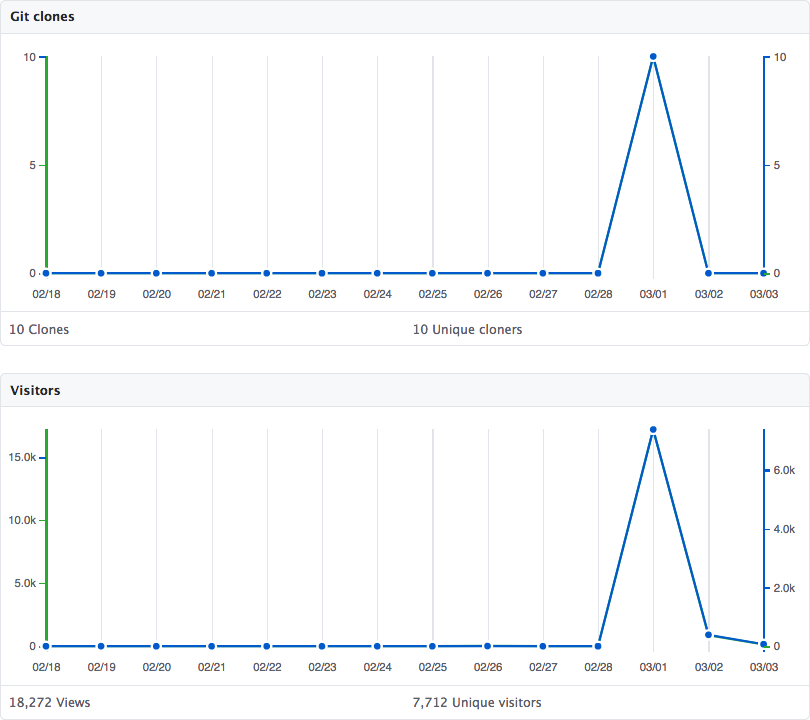
<p>About two and a half years ago, I wrote a <a href="https://funwithsoftware.org/repo/json65">JSON parser in 6502 assembly language</a>. It’s been hanging around in relative obscurity until now. A couple of days ago, JSON65 saw a huge traffic spike, due to being <a href="https://news.ycombinator.com/item?id=26298462">posted on Hacker News</a>. I thought I would take this opportunity to provide some background and answer a few questions that were raised.</p>
<h2 id="background">Background</h2>
<p>I grew up in the 1980s, when personal computers were quite different than they are today. (Indeed, the concept of a “personal” computer was rather new back then.) Most computers that were sold for home use had an 8-bit microprocessor, one or two 5¼&quot; floppy disk drives, and something on the order of 64 <a href="https://en.wikipedia.org/wiki/Binary_prefix">KiB</a> of RAM.</p>
<p>My first encounter with a computer was when my dad brought home an <a href="https://www.obsoletecomputermuseum.org/ncr-mate/">NCR DM-V</a> from work so that he could write his Master’s thesis using <a href="https://en.wikipedia.org/wiki/WordStar">WordStar</a>. The computer could also run <a href="https://en.wikipedia.org/wiki/Microsoft_BASIC">Microsoft BASIC</a>, and my dad showed me how to write programs in BASIC. Once I discovered a magical book called the “manual”, which revealed all the secrets of BASIC, I was on a roll. I wrote a lot of programs in BASIC for that computer.</p>
<p>Alas, the DM-V was just on loan, and my dad had to return it to work when he finished his thesis. To replace it, my parents bought an <a href="https://en.wikipedia.org/wiki/Apple_IIe">Apple //e</a>. I continued writing programs in BASIC on the Apple //e. I was really into it. I had the <a href="https://en.wikipedia.org/wiki/Beagle_Bros">Beagle Bros</a> <a href="http://beagle.applearchives.com/the_posters/poster_2.html">Peeks and Pokes chart</a>. I subscribed to <a href="https://en.wikipedia.org/wiki/Resource_Central">Open-Apple/A2-Central</a>. I was so into it that my dad had to make a “no computer before 6 AM” rule, because otherwise I would get up arbitrarily early to program.</p>
<p><a href="https://en.wikipedia.org/wiki/Applesoft_BASIC">Applesoft BASIC</a> was incredibly slow, and also didn’t provide access to all of the features of the hardware. So, I started to learn <a href="https://en.wikipedia.org/wiki/MOS_Technology_6502">6502</a> assembly language. Initially, I just wrote small parts of my programs in assembly language, since it was easy to mix BASIC and assembly language on the Apple II. I assembled my programs with the <a href="https://www.callapple.org/vintage-apple-computers/apple-ii/apple-mini-assembler/">mini-assmebler</a> which was available in the <a href="https://en.wikipedia.org/wiki/Integer_BASIC">Integer BASIC</a> ROM image (which was loaded into the Language Card RAM area under DOS 3.3).</p>
<p>Eventually, I needed something more powerful than the mini-assembler. The obvious solution might have been to buy an assembler, but assemblers were expensive for a kid back then, plus I just enjoyed making things myself. So, around 8th grade or so, I wrote my own assembler in BASIC, which I called PPAssemble. It worked, but PPAssemble was so slow that I really only used it for one thing: to bootstrap PPAssemble II, which was an assembler I wrote in assembly language.</p>
<p>All of this came to an end when I graduated from high school. My parents gave me a <a href="https://en.wikipedia.org/wiki/Intel_80486">486</a> laptop which ran <a href="https://en.wikipedia.org/wiki/MS-DOS">MS-DOS</a> and <a href="https://en.wikipedia.org/wiki/Windows_3.1x">Windows 3.1</a>. (Perhaps unsurprisingly, one of the things I did over the summer was write an 8086 assembler in <a href="https://en.wikipedia.org/wiki/QBasic">QBasic</a>.) Then, in the fall, <a href="https://en.wikipedia.org/wiki/Project_Athena">MIT</a> introduced me to <a href="https://en.wikipedia.org/wiki/Unix">UNIX</a>, and shortly after that I learned <a href="https://en.wikipedia.org/wiki/C_(programming_language)">C</a>.</p>
<h2 id="retrocomputing">Retrocomputing</h2>
<p>Fast forward to 2018, when I got the old Apple //e out of the garage and <a href="2018-08-24-retrocomputing.html">started using it again</a>. I installed the <a href="https://cc65.github.io/">cc65</a> cross-compilation toolchain on my Mac, and started writing code for the Apple II again.</p>
<h2 id="why-json">Why JSON?</h2>
<p>The three main reasons I wrote a JSON parser in 6502 assembly language were:</p>
<ol style="list-style-type: decimal">
<li>Because I can.</li>
<li>Because it’s fun!</li>
<li>Because it’s a bit perverse.</li>
</ol>
<p>However, the specific motivation for writing a JSON parser was because I was writing some other program (which I don’t think I ever finished) and I wanted a configuration file format for it, an ASCII format which could be easily hand-written. <a href="https://yaml.org/">YAML</a> was a logical choice, but YAML is fairly complicated, so I went with the much simpler <a href="https://en.wikipedia.org/wiki/JSON">JSON</a>.</p>
<p>My first thought was to compile <a href="https://lloyd.github.io/yajl/">YAJL</a> with cc65. I eventually got it to compile, but there were a couple of problems:</p>
<ul>
<li>YAJL is huuuuuuge! (by 6502 standards, anyway)</li>
<li>It didn’t work.</li>
</ul>
<p>Rather than trying to debug why YAJL didn’t work correctly when compiled with cc65, I decided to just write a JSON parser from scratch.</p>
<h2 id="why-assembly-language">Why assembly language?</h2>
<p>The main reason I got the Apple //e out again was to relive my glory days of programming in 6502 assembly language. So, that was the primary motivation for writing my JSON parser in assembly language. However, there are also some practical motivations for doing so:</p>
<ol style="list-style-type: decimal">
<li>The 6502 instruction set is not a particularly good match for C.</li>
<li>cc65 is a relatively naive compiler, compared to a modern optimizing compiler like <a href="https://gcc.gnu.org/">gcc</a> or <a href="https://clang.llvm.org/">clang</a>.</li>
<li>Both code size and speed are important on the Apple II, since it is very slow (1 MHz, with each instruction taking several clock cycles) and has limited memory (48K, 64K, or 128K, depending on how you count it, and how much work you’re willing to go to to access it).</li>
</ol>
<h2 id="then-why-is-it-written-in-four-languages">Then why is it written in four languages?</h2>
<p><a href="/images/2021-json65-languages.png"><img src="/images/2021-json65-languages.png" width="299" height="111" class="floatright" alt="GitHub language analysis" /></a></p>
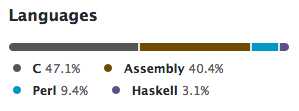
<p>JSON65 is written in two languages, C and 6502 assembly language.</p>
<p>The JSON parser is a single file, <code>json65.s</code>. So, it is correct to say that the JSON parser is written entirely in 6502 assembly language. However, it is designed to be called from C, because it uses the <a href="https://cc65.github.io/doc/cc65-intern.html">cc65 calling convention</a>. It also calls a few of the support functions in cc65’s runtime library: <code>callptr4</code>, <code>incsp4</code>, <code>incsp6</code>, <code>negeax</code>, <code>pushax</code>, <code>resteax</code>, and <code>saveeax</code>. (These functions are for manipulating the “pseudo-registers” in the zero page that the cc65 calling convention uses.)</p>
<p>JSON65 includes some additional, optional code beyond the core event-driven parser, most of which is written in C. <code>json65-file.c</code> feeds the parser from a file, and <code>json65-tree.c</code> provides a tree-based interface to the parser, as an alternative to the SAX-style event-driven parser.</p>
<p>GitHub’s code analysis also shows Perl and Haskell code in the JSON65 repository. This is because of the <code>tools</code> directory, which contains some scripts which I used to generate some code when I was writing JSON65. The average user of JSON65 doesn’t need these. And in any case, they run on the host, not on the 6502!</p>
<h2 id="why-are-strings-limited-to-255-characters">Why are strings limited to 255 characters?</h2>
<p>Because JSON65 can parse incrementally, a JSON document like this:</p>
<pre><code>[ &quot;This is a string&quot; ]</code></pre>
<p>could be fed into the parser in two chunks. For example, the first chunk could be:</p>
<pre><code>[ &quot;This is</code></pre>
<p>and the second chunk could be:</p>
<pre><code> a string&quot; ]</code></pre>
<p>In order to provide the string <code>&quot;This is a string&quot;</code> to the callback, one of the following things must happen:</p>
<ul>
<li><p>The callback must be called twice (with <code>&quot;This is&quot;</code> and <code>&quot; a   string&quot;</code>), and the user of the library must deal with putting the two parts together. I didn’t want to do this, because it makes the library harder to use.</p></li>
<li><p>The parser must copy the two parts of the string into a dynamically allocated buffer, which it can then provide to the callback. I didn’t want to do this, because the Apple II has very little memory, and I didn’t want to leave to chance whether or not you would run out of memory during parsing.</p></li>
<li><p>The parser must copy the two parts of the string into a statically allocated buffer, which it can then provide to the callback. This is the solution I chose, but it means that strings are limited to the length of the buffer.</p></li>
</ul>
<p>So, there had to be a limit on the length of strings. Why 255 bytes, specifically? This is because of <a href="http://www.obelisk.me.uk/6502/addressing.html">addressing modes</a>.</p>
<p>The 6502 offers an indirect indexed addressing mode, for example:</p>
<pre><code>LDA ($40),Y</code></pre>
<p>which loads a 16-bit integer from the consecutive zero-page locations <code>$40</code> and <code>$41</code>. It then adds the contents of the <code>Y</code> register (which is 8 bits wide) to that 16-bit integer. That result is used as an address, and a single byte is loaded from that address and placed in the accumulator.</p>
<p>This makes it easy to index into a buffer of 256 bytes or fewer. Just store the address of the buffer somewhere in the zero page, and then load the <code>Y</code> register with the array index.</p>
<p>To index into a buffer longer than 256 bytes, you’d need to do 16-bit addition (8 bits at a time) to add the base address to the index, and then store the result in the zero page somewhere. Then you’d load <code>0</code> into the <code>Y</code> register, and you’d still use the same indirect indexed addressing:</p>
<pre><code>LDA ($40),Y</code></pre>
<p>(because the original 6502 does not offer an indirect, non-indexed addressing mode.)</p>
<p>Doing so would not be the end of the world, but it is more instructions, so therefore it takes more space and more time. Given that the buffer has to be of some finite size, 256 bytes seems like a fine choice.</p>
<p>(I believe I limited the length to 255, rather than 256, so that the length of the string can also fit in a single byte.)</p>
<p>Note that although the length of a string is limited, the length of a line is not limited. So, for example, you could have a JSON document like this:</p>
<pre><code>[ &quot;Up to 255 chars&quot;, &quot;Up to 255 chars&quot;, &quot;Up to 255 chars&quot; ]</code></pre>
<p>all on a single line, where each of the three strings on the line is up to 255 characters in length. (Technically 255 bytes, not characters, but that distinction only matters if you’re using non-ASCII characters.)</p>
]]></summary>
</entry>
<entry>
    <title>Rust on SAMD11</title>
    <link href="https://funwithsoftware.org/posts/2020-10-11-rust-on-samd11.html" />
    <id>https://funwithsoftware.org/posts/2020-10-11-rust-on-samd11.html</id>
    <published>2020-10-11T00:00:00Z</published>
    <updated>2020-10-11T00:00:00Z</updated>
    <summary type="html"><![CDATA[<div class="info">Posted on October 11, 2020</div>
<div class="info">
    
    Tags: <a href="/tags/software.html">software</a>, <a href="/tags/electronics.html">electronics</a>
    
</div>

<p>Previously, I’ve posted about <a href="https://funwithsoftware.org/posts/2019-09-01-breadboard-samd11-part1.html">how to run Arduino code on a SAMD11 on a breadboard</a>, and about <a href="https://funwithsoftware.org/posts/2020-09-30-rust-on-feather-m4.html">how to run Rust code on a Feather M4</a>. This post just combines those two ideas, and shows how to run Rust code on a <a href="http://www.microchip.com/mymicrochip/filehandler.aspx?ddocname=en590682">SAMD11</a> on a breadboard.</p>
<p>I’m going to be using the 14-pin <a href="https://www.digikey.com/en/products/detail/microchip-technology/ATSAMD11C14A-SSUT/5226470">ATSAMD11C14A</a>, which is supported by the <a href="https://crates.io/crates/samd11_bare">samd11_bare crate</a>. (The 20-pin ATSAMD11D14AS I used before is not currently supported by Rust.)</p>
<h2 id="hardware-setup">Hardware setup</h2>
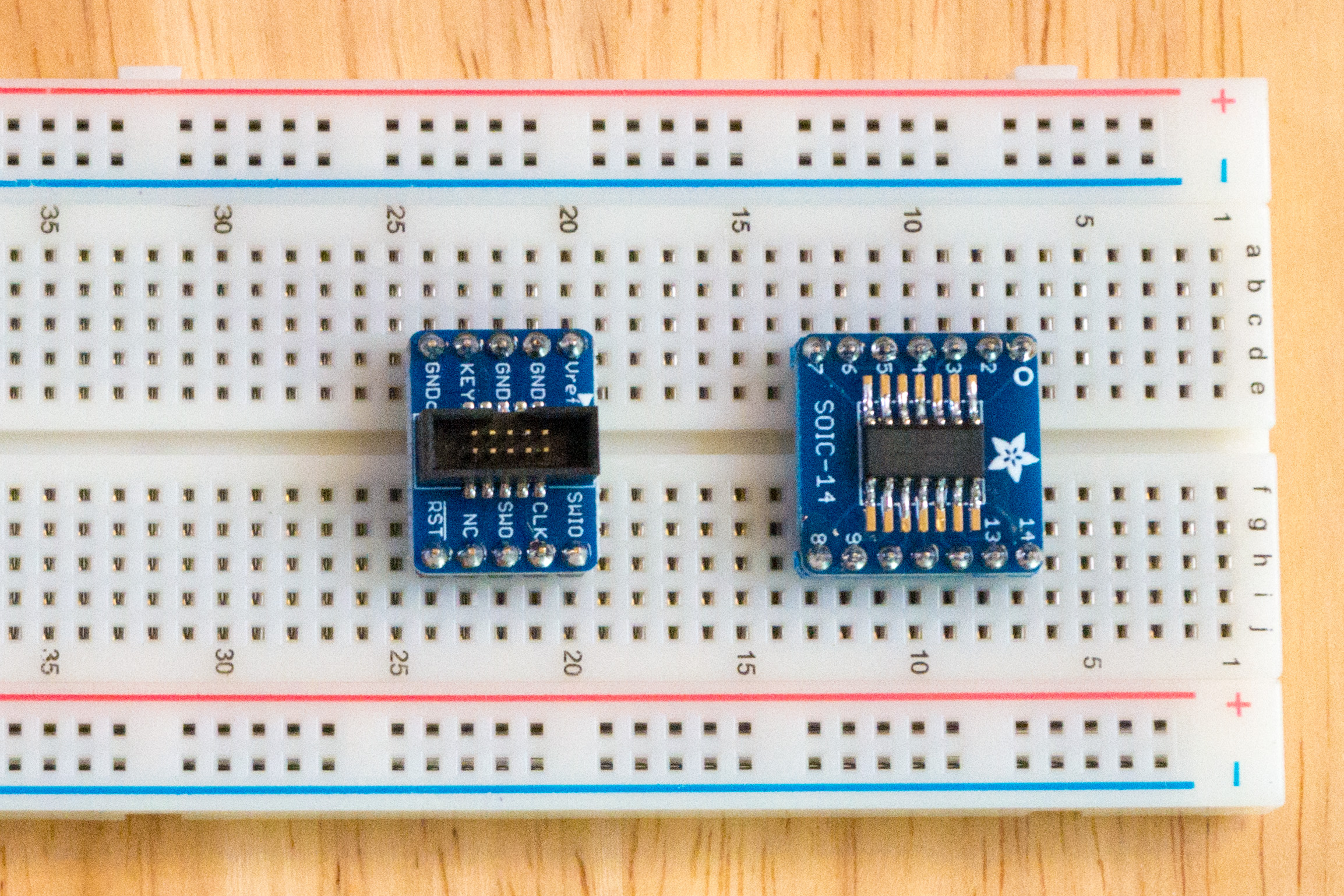
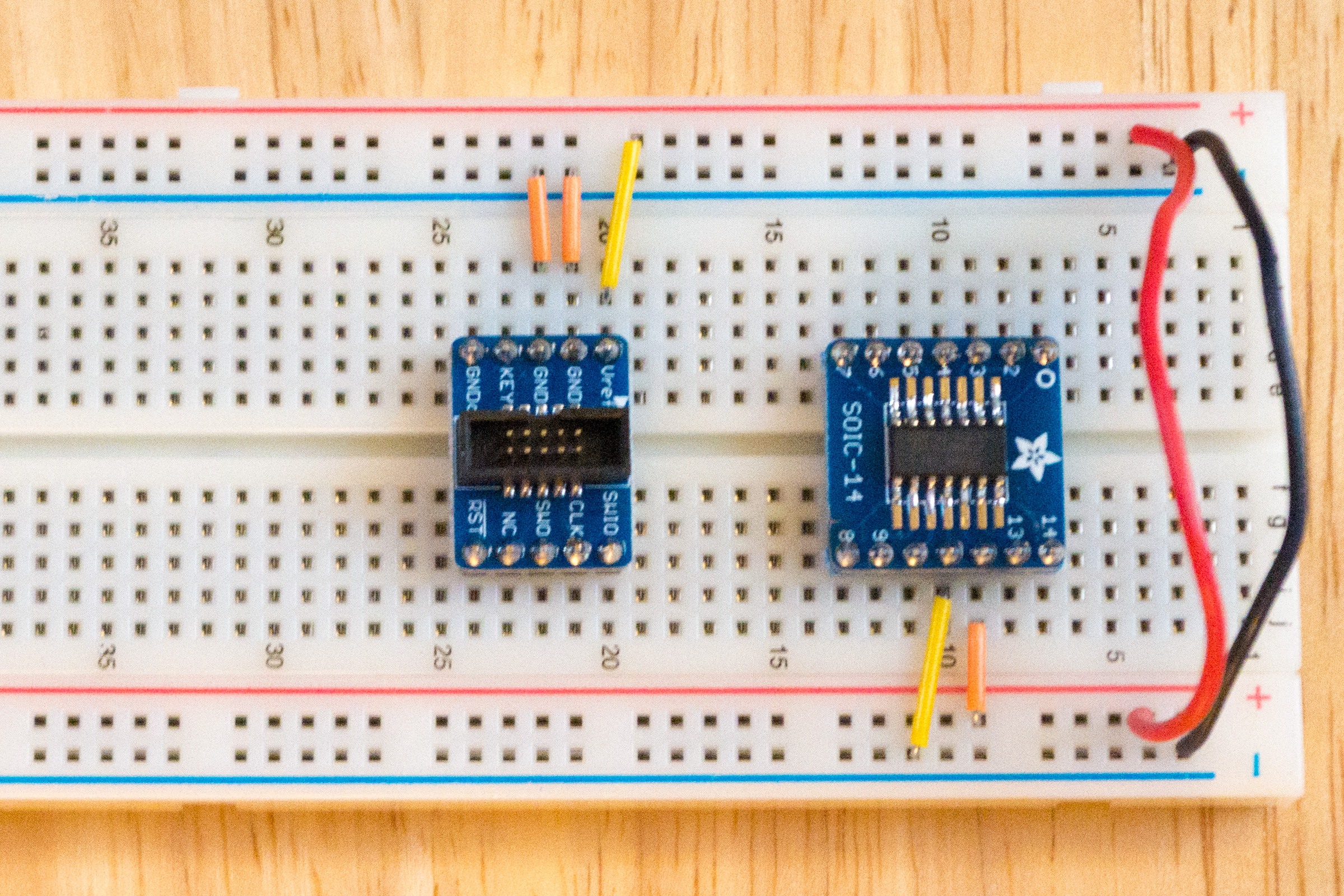
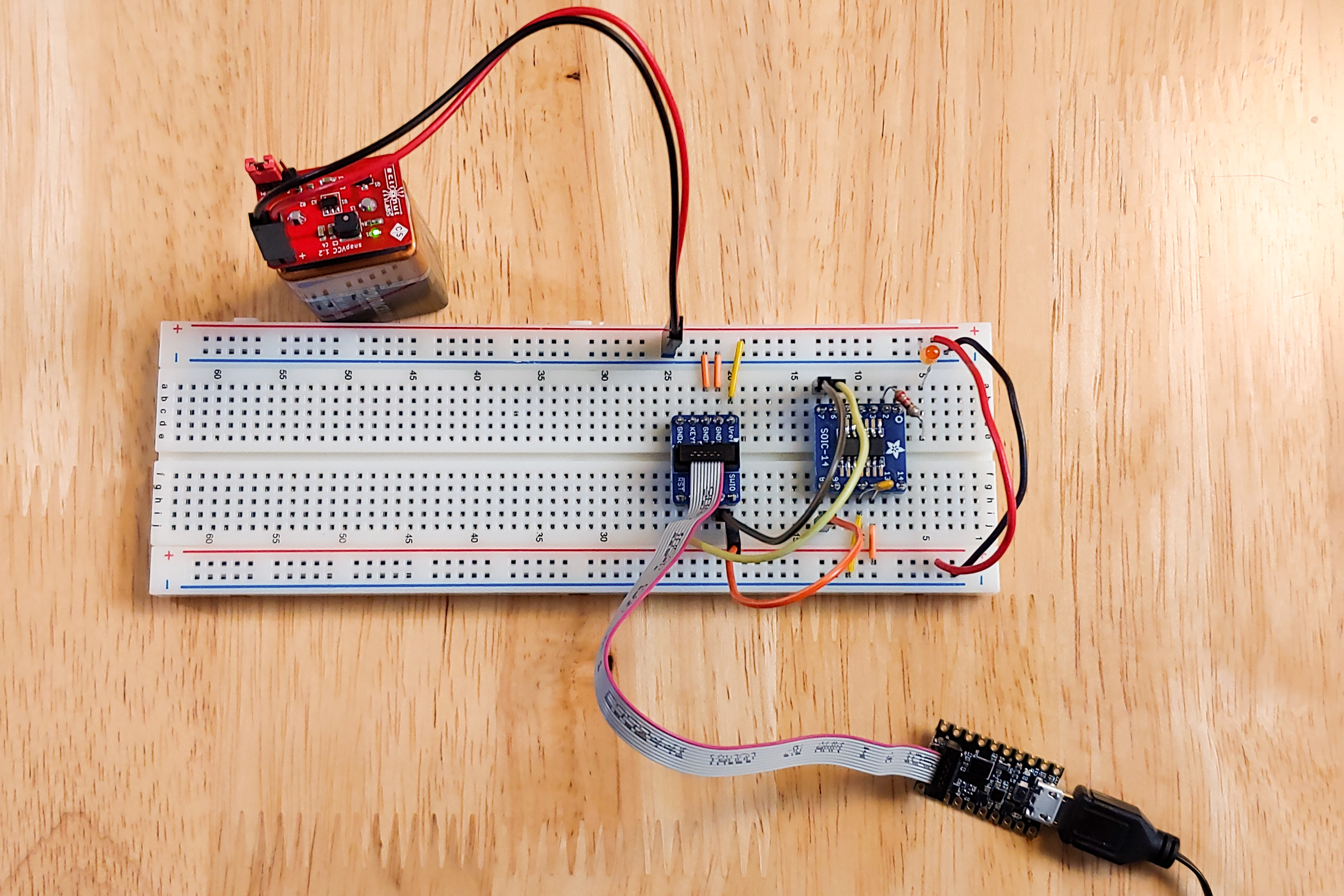
<p>I started out by soldering the ATSAMD11C14A to a <a href="https://www.adafruit.com/product/1210">SOIC-14 breakout</a>, and then putting that and a <a href="https://www.adafruit.com/product/2743">SWD connector breakout</a> on a breadboard.</p>
<p><a href="/images/2020-SAMD11-1.jpg"><img src="/images/2020-SAMD11-1.jpg" width="800" height="533" alt="Breakout boards on breadboard." /></a></p>
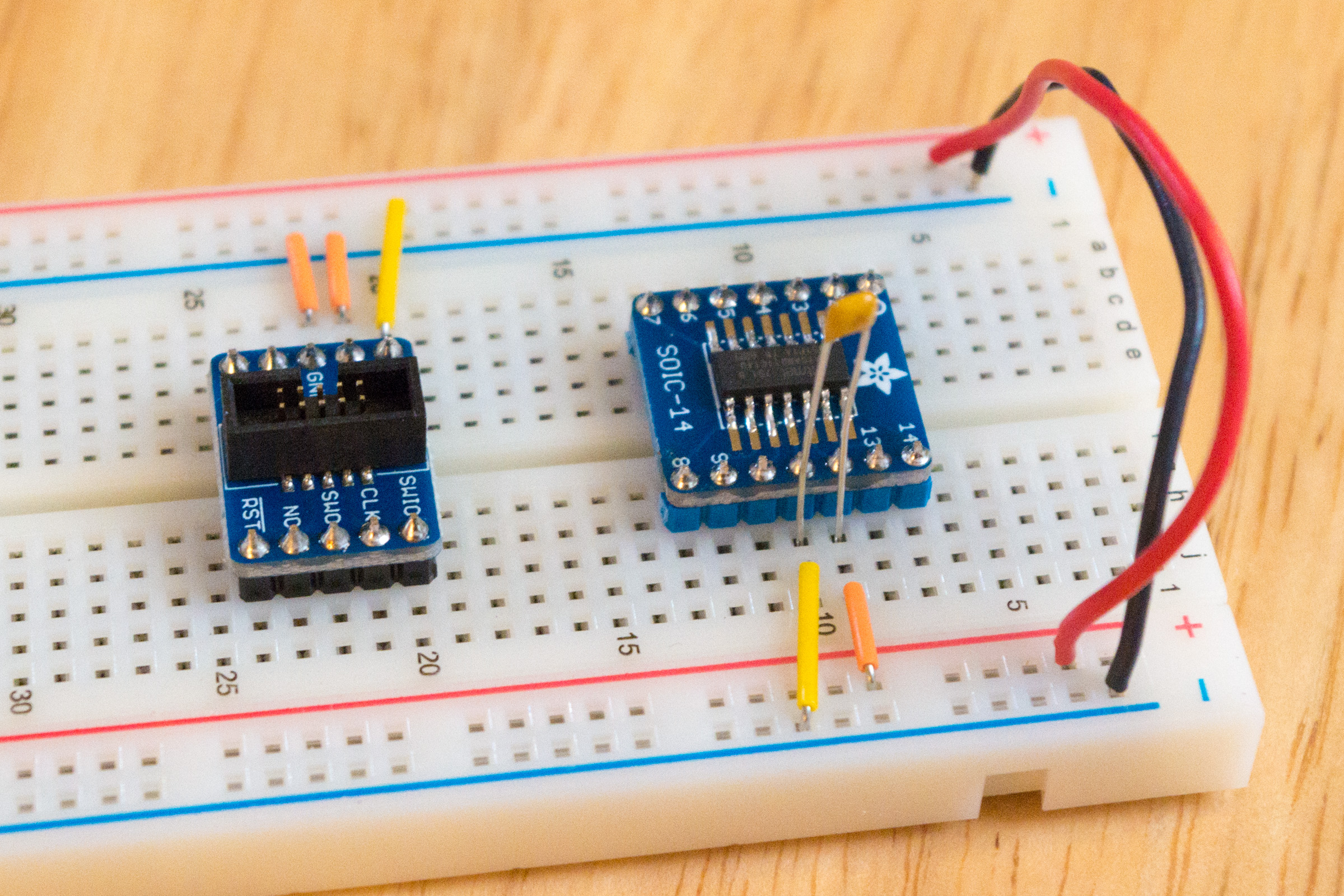
<p>Next, I wired up power and ground. On the SWD breakout, the two “GND” pins go to ground, and the “Vref” pin goes to power. On the ATSAMD11C14A, pin 12 goes to power, and pin 11 goes to ground. I also added wires to connect the two power buses together and the two ground buses together.</p>
<p><a href="/images/2020-SAMD11-2.jpg"><img src="/images/2020-SAMD11-2.jpg" width="800" height="533" alt="Breadboard with power and ground wires connected." /></a></p>
<p>After that, I added a 0.1μF capacitor between pins 11 and 12 on the ATSAMD11C14A.</p>
<p><a href="/images/2020-SAMD11-3.jpg"><img src="/images/2020-SAMD11-3.jpg" width="800" height="533" alt="Capacitor between pins 11 and 12." /></a></p>
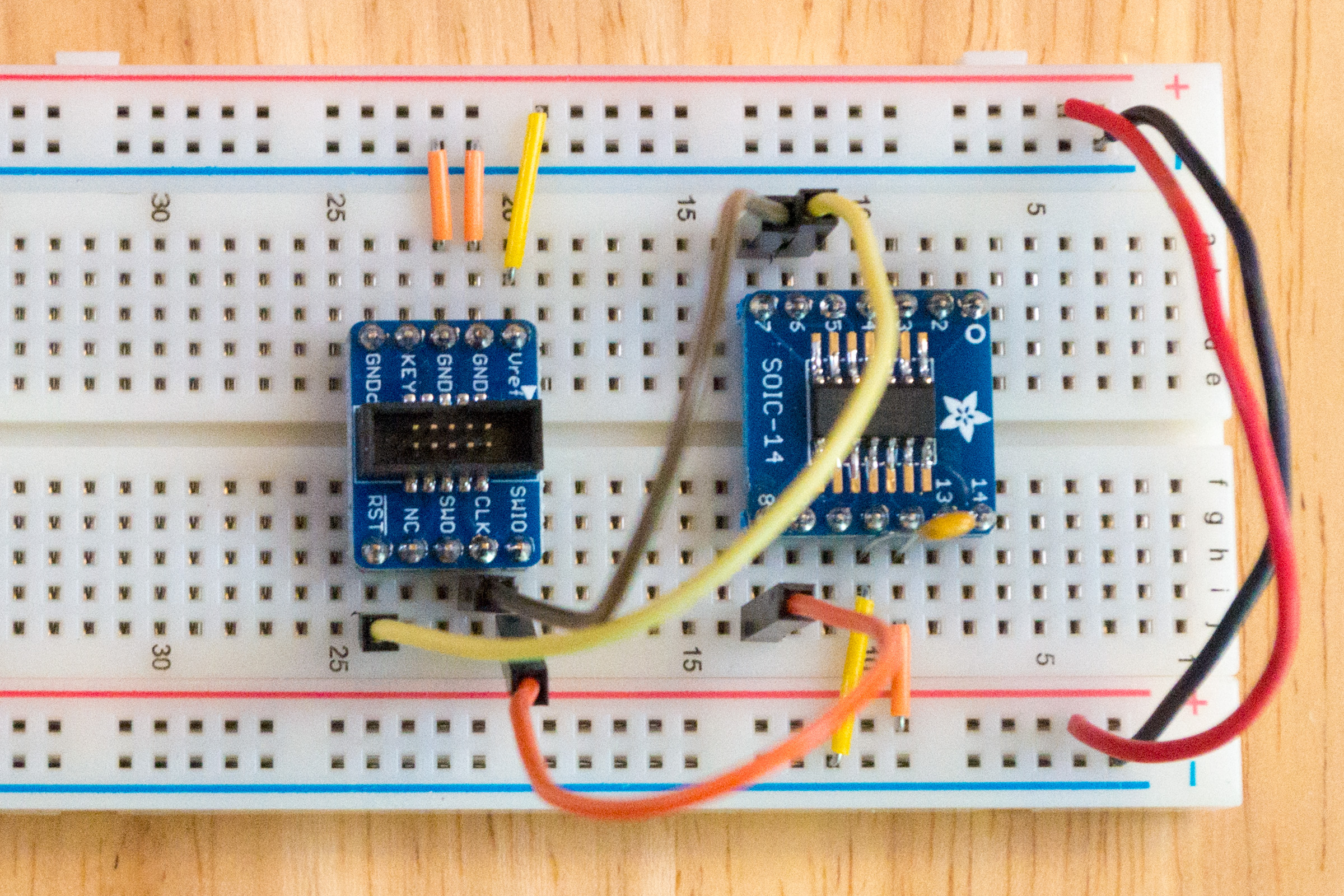
<p>Next, I wired up the debug pins between the SWD breakout and the microcontroller. <span class="overline">RST</span> goes to pin 6, CLK goes to pin 7, and SWIO goes to pin 8.</p>
<p><a href="/images/2020-SAMD11-4.jpg"><img src="/images/2020-SAMD11-4.jpg" width="800" height="533" alt="Microcontroller hooked up to debug header." /></a></p>
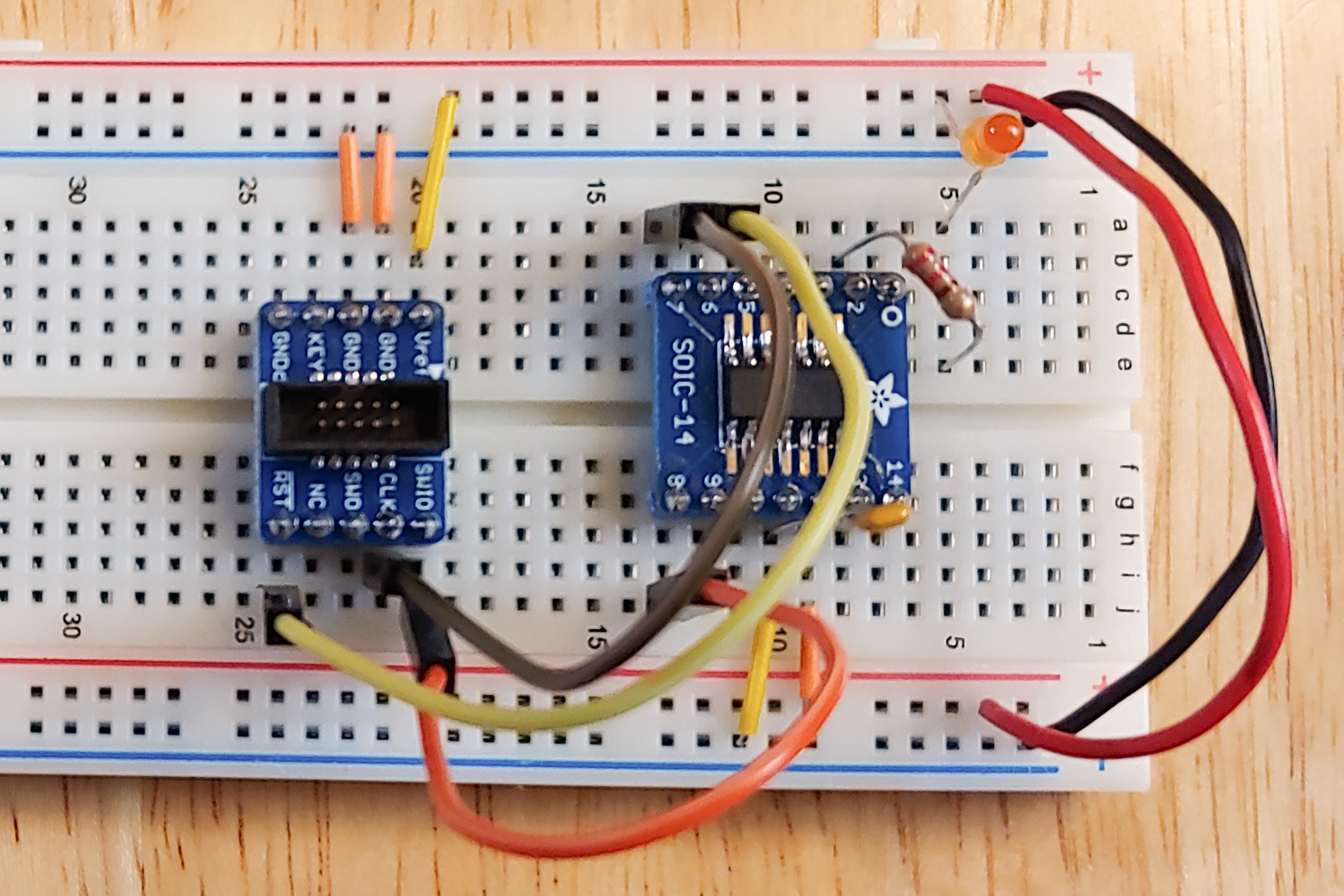
<p>Finally, I added an LED to pin 2 of the microcontroller. I connected one end of a 220Ω resistor to pin 2, and I connected the other end to a spare row on the breadboard. Then I connected the LED’s cathode (short pin, flat side) to the row the resistor is connected to, and I connected the LED’s anode (long pin, round side) to the positive power rail.</p>
<p><a href="/images/2020-SAMD11-5.jpg"><img src="/images/2020-SAMD11-5.jpg" width="800" height="533" alt="Orange LED connected to pin 2 via a resistor." /></a></p>
<p>Now, to get ready to program the ATSAMD11C14A, I hooked up my trusty <a href="https://www.crowdsupply.com/electronut-labs/snapvcc">SnapVCC</a> (set on 3.3V) to the power and ground rails of the breadboard. And I got out my <a href="https://www.digikey.com/product-detail/en/maxim-integrated/MAX32625PICO/MAX32625PICO-ND/7560410">MAX32625PICO</a> and connected it to the debug header.</p>
<p><a href="/images/2020-SAMD11-6.jpg"><img src="/images/2020-SAMD11-6.jpg" width="800" height="533" alt="3.3V power and CMSIS-DAP debugger connected to breadboard project." /></a></p>
<h2 id="software-setup">Software setup</h2>
<p>Make sure you have <a href="https://www.rust-lang.org/tools/install">Rust installed</a>, and then install thumb6 support:</p>
<pre><code>$ rustup target add thumbv6m-none-eabi</code></pre>
<p>Next, you’ll need an ARM toolchain. Download the ARM gcc toolchain from <a href="https://developer.arm.com/tools-and-software/open-source-software/developer-tools/gnu-toolchain/gnu-rm/downloads">ARM’s website</a>, and then install it something like this:</p>
<pre><code>$ cd /opt
$ tar -xf ~/Desktop/gcc-arm-none-eabi-9-2020-q2-update-x86_64-linux.tar.bz2
$ export PATH=&quot;/opt/gcc-arm-none-eabi-9-2020-q2-update/bin:$PATH&quot;</code></pre>
<p>See <a href="https://github.com/atsamd-rs/atsamd/issues/275#issuecomment-705655761">this bug</a> for more information.</p>
<p>Clone the Rust <a href="https://github.com/atsamd-rs/atsamd">atsamd</a> repository:</p>
<pre><code>$ git clone https://github.com/atsamd-rs/atsamd.git
$ cd atsamd/boards/samd11_bare</code></pre>
<p>In the <code>boards/samd11_bare</code> directory, create a file named <code>openocd.cfg</code> with the following contents:</p>
<pre><code>source [find interface/cmsis-dap.cfg]
transport select swd

set CHIPNAME at91samd11c14a
source [find target/at91samdXX.cfg]

reset_config  srst_nogate

adapter_nsrst_delay 100
adapter_nsrst_assert_width 100

init
targets
reset halt

at91samd bootloader 0
program blinky_basic.bin verify
reset
shutdown</code></pre>
<p>Then, in that directory, do:</p>
<pre><code>$ cargo build --release --example blinky_basic
$ arm-none-eabi-objcopy -O binary target/thumbv6m-none-eabi/release/examples/blinky_basic blinky_basic.bin</code></pre>
<p>Make sure the MAX32625PICO (our debug probe) is connected to the computer’s USB port, and the breadboard is getting 3.3V power (from the SnapVCC, or other 3.3V power source). Then, upload the program with:</p>
<pre><code>$ openocd</code></pre>
<p>This should start blinking the LED on the breadboard.</p>
]]></summary>
</entry>
<entry>
    <title>Rust on Longan Nano</title>
    <link href="https://funwithsoftware.org/posts/2020-10-01-rust-on-longan-nano.html" />
    <id>https://funwithsoftware.org/posts/2020-10-01-rust-on-longan-nano.html</id>
    <published>2020-10-01T00:00:00Z</published>
    <updated>2020-10-01T00:00:00Z</updated>
    <summary type="html"><![CDATA[<div class="info">Posted on October  1, 2020</div>
<div class="info">
    
    Tags: <a href="/tags/software.html">software</a>, <a href="/tags/electronics.html">electronics</a>
    
</div>

<p>Yesterday, I tried <a href="/posts/2020-09-30-rust-on-feather-m4.html">embedded Rust on the Feather M4</a>. Today I thought I would try out embedded Rust on a slightly more exotic board, the <a href="https://www.seeedstudio.com/Sipeed-Longan-Nano-RISC-V-GD32VF103CBT6-Development-Board-p-4205.html">Longan Nano</a>. It is a 32-bit <a href="https://en.wikipedia.org/wiki/RISC-V">RISC-V</a> board which is very inexpensive, and has a 160x80 color LCD built in.</p>
<p>This was mostly just a matter of following the instructions in the <a href="https://github.com/riscv-rust/longan-nano">longan-nano</a> crate. The only thing that stymied me for a couple minutes was that they forgot to mention that <code>dfu-util</code> has to be run as <code>root</code>.</p>
<p>I already have <a href="https://www.rust-lang.org/">Rust</a> installed on my Ubuntu 20.04 machine:</p>
<pre><code>$ rustc --version
rustc 1.46.0 (04488afe3 2020-08-24)</code></pre>
<p>If you don’t, you’ll need to <a href="https://www.rust-lang.org/tools/install">install Rust</a> first.</p>
<p>Next, following the instructions in the <a href="https://github.com/riscv-rust/longan-nano">longan-nano</a> crate:</p>
<pre><code>$ rustup target add riscv32imac-unknown-none-elf</code></pre>
<p>The next step is to install a RISC-V toolchain. The <a href="https://github.com/riscv-rust/longan-nano">longan-nano</a> crate recommends installing a toolchain from SiFive, but I opted to install the Ubuntu package <code>gcc-riscv64-unknown-elf</code> instead. Note that despite having “64” in the name, <code>gcc-riscv64-unknown-elf</code> supports <em>both</em> 32-bit and 64-bit RISC-V processors.</p>
<pre><code>$ sudo apt-get install gcc-riscv64-unknown-elf</code></pre>
<p>The next step is to install <a href="http://dfu-util.sourceforge.net/">dfu-util</a>. Because of a bug in some versions of the Longan Nano bootloader, the <a href="https://github.com/riscv-rust/longan-nano">longan-nano</a> crate recommends installing the development version of <code>dfu-util</code> from git, which has a workaround for the bug, rather than installing a stable release of <code>dfu-util</code>.</p>
<pre><code>$ cd ~/src
$ git clone git://git.code.sf.net/p/dfu-util/dfu-util
$ cd dfu-util
$ ./autogen.sh
$ ./configure
$ make
$ sudo make install</code></pre>
<p>And now, back to the <a href="https://github.com/riscv-rust/longan-nano">longan-nano</a> crate:</p>
<pre><code>$ cd ~/src
$ git clone https://github.com/riscv-rust/longan-nano
$ cd longan-nano
$ cargo build --examples --release --all-features</code></pre>
<p>Because I installed a different RISC-V toolchain than they did, I had to use <code>riscv64-unknown-elf-objcopy</code> instead of <code>riscv-nuclei-elf-objcopy</code>:</p>
<pre><code>$ riscv64-unknown-elf-objcopy -O binary target/riscv32imac-unknown-none-elf/release/examples/ferris ferris.bin</code></pre>
<p>Now hold down the “BOOT0” button on the Longan Nano while connecting it to the computer’s USB port. Uploading the code to the board must be done as <code>root</code>:</p>
<pre><code>$ sudo dfu-util -a 0 -s 0x08000000:leave -D ferris.bin</code></pre>
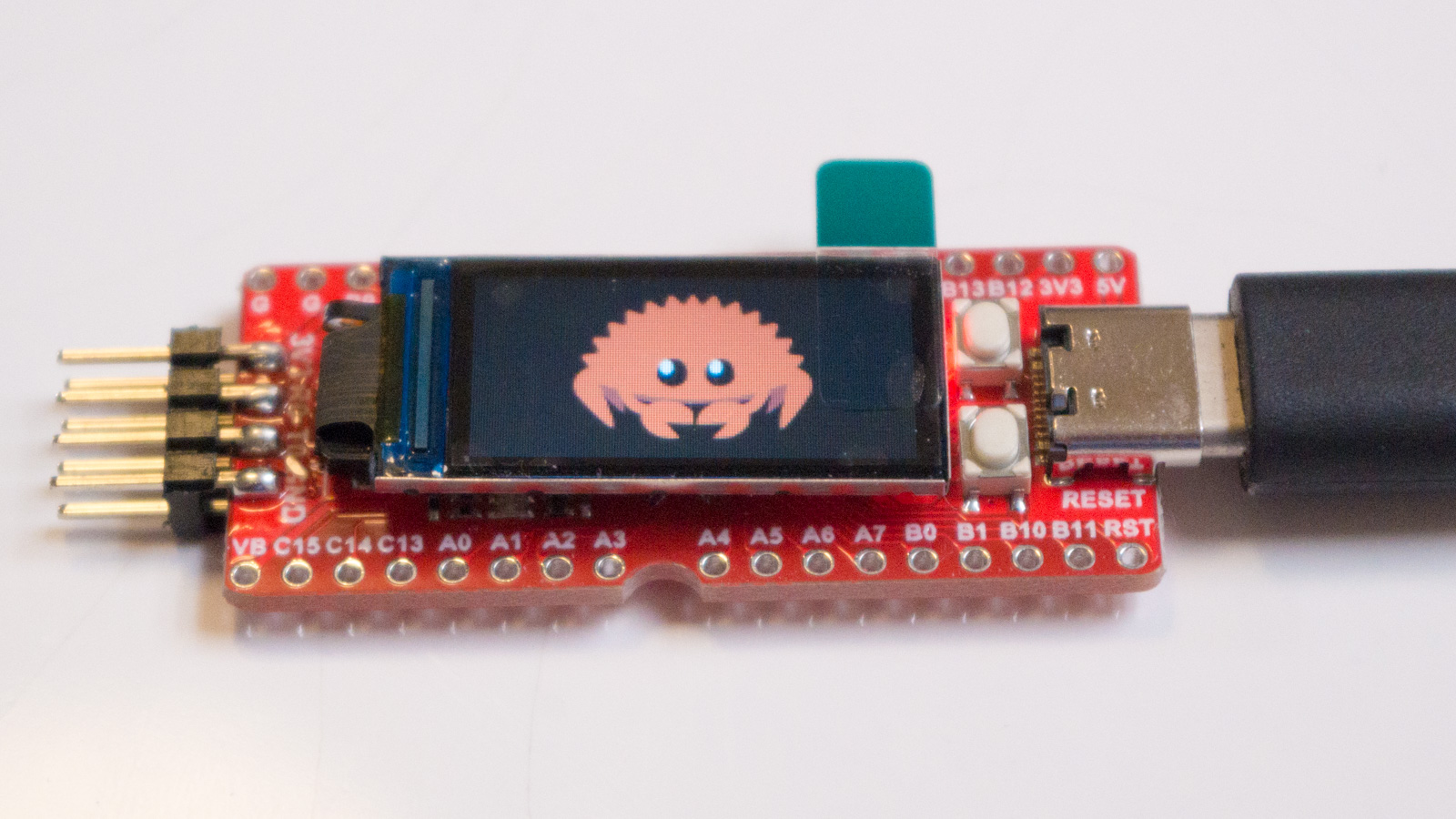
<p>This should display a picture of <a href="https://www.rustacean.net/">Ferris</a>, the Rust mascot.</p>
<p><a href="/images/2020-longan-nano-ferris.jpg"><img src="/images/2020-longan-nano-ferris.jpg" width="800" height="450" alt="Ferris the Crab on Longan Nano LCD screen" /></a></p>
<p><strong>Update</strong>: By doing the following setup once, it’s possible to avoid having to run <code>dfu-util</code> as root.</p>
<pre><code>$ sudo sh -c 'cat &gt; /etc/udev/rules.d/99-gigadevice.rules'
ATTRS{idVendor}==&quot;28e9&quot;, ENV{ID_MM_DEVICE_IGNORE}=&quot;1&quot;
SUBSYSTEM==&quot;usb&quot;, ATTRS{idVendor}==&quot;28e9&quot;, MODE=&quot;0666&quot;
SUBSYSTEM==&quot;tty&quot;, ATTRS{idVendor}==&quot;28e9&quot;, MODE=&quot;0666&quot;
^D
$ sudo udevadm control --reload-rules
$ sudo udevadm trigger</code></pre>
]]></summary>
</entry>
<entry>
    <title>Rust on Feather M4</title>
    <link href="https://funwithsoftware.org/posts/2020-09-30-rust-on-feather-m4.html" />
    <id>https://funwithsoftware.org/posts/2020-09-30-rust-on-feather-m4.html</id>
    <published>2020-09-30T00:00:00Z</published>
    <updated>2020-09-30T00:00:00Z</updated>
    <summary type="html"><![CDATA[<div class="info">Posted on September 30, 2020</div>
<div class="info">
    
    Tags: <a href="/tags/software.html">software</a>, <a href="/tags/electronics.html">electronics</a>
    
</div>

<p>I’ve been learning <a href="https://www.rust-lang.org/">Rust</a> recently, and I thought it would be interesting to program a microcontroller in Rust. Luckily, <a href="https://github.com/rust-embedded/wg">embedded Rust</a> is a thing, and seems to have a fair amount of support. Among others, there is support for <a href="https://github.com/esp-rs">ESP32</a>, <a href="https://github.com/riscv-rust/longan-nano">Longan Nano</a>, <a href="https://github.com/mciantyre/teensy4-rs">Teensy 4</a>, and the <a href="https://github.com/jwinarske/ambiq-apollo3-rs">Apollo3</a> chip used in the <a href="https://www.sparkfun.com/artemis">Artemis</a> module. But there seems to be especially good support for the <a href="https://github.com/atsamd-rs/atsamd">ATSAMD</a> family of ARM microcontrollers, which are used in a number of <a href="https://www.adafruit.com/?q=atsamd&amp;sort=BestMatch">Adafruit products</a>.</p>
<p>So, I decided to give embedded Rust a try with a <a href="https://www.adafruit.com/product/3857">Feather M4</a> module I had lying around. There is a <a href="https://github.com/atsamd-rs/atsamd/tree/master/boards/feather_m4">board support crate</a> for the Feather M4, so the process was relatively straightforward. All I had to do was follow the instructions, but I’ll go ahead and repeat them below.</p>
<p>The first step was to <a href="https://www.rust-lang.org/tools/install">install Rust</a> on my Ubuntu 20.04 machine:</p>
<pre><code>$ curl --proto '=https' --tlsv1.2 -sSf https://sh.rustup.rs | sh
$ source $HOME/.cargo/env
$ which rustc
/home/ppelleti/.cargo/bin/rustc
$ rustc --version
rustc 1.46.0 (04488afe3 2020-08-24)</code></pre>
<p>Next, following the instructions in the <a href="https://github.com/atsamd-rs/atsamd/tree/master/boards/feather_m4">Feather M4 crate</a>, I installed the toolchain needed by Cortex M4 processors, such as the ATSAMD51.</p>
<pre><code>$ rustup target add thumbv7em-none-eabihf</code></pre>
<p>Now, following the <a href="https://crates.io/crates/cargo-hf2">instructions for installing cargo-hf2</a>, which will be used to talk to the board’s bootloader to load the program onto the board:</p>
<pre><code>$ sudo apt-get install libudev-dev libusb-1.0-0-dev
$ sudo sh -c 'cat &gt; /etc/udev/rules.d/99-adafruit-boards.rules'
ATTRS{idVendor}==&quot;239a&quot;, ENV{ID_MM_DEVICE_IGNORE}=&quot;1&quot;
SUBSYSTEM==&quot;usb&quot;, ATTRS{idVendor}==&quot;239a&quot;, MODE=&quot;0666&quot;
SUBSYSTEM==&quot;tty&quot;, ATTRS{idVendor}==&quot;239a&quot;, MODE=&quot;0666&quot;
^D
$ sudo udevadm control --reload-rules
$ sudo udevadm trigger
$ cargo install cargo-hf2</code></pre>
<p>Then, clone the <a href="https://github.com/atsamd-rs/atsamd">repository</a> to get the <a href="https://github.com/atsamd-rs/atsamd/tree/master/boards/feather_m4">Feather M4</a> examples:</p>
<pre><code>$ git clone https://github.com/atsamd-rs/atsamd
$ cd atsamd/boards/feather_m4/</code></pre>
<p>Finally, connect the Feather M4 board to the computer, and press the feather’s reset button twice.</p>
<pre><code>$ cargo hf2 --release --example blinky_basic</code></pre>
<p>It works! Perhaps the <a href="https://github.com/atsamd-rs/atsamd/blob/master/boards/feather_m4/examples/neopixel_rainbow.rs">neopixel_rainbow</a> example is a bit more exciting:</p>
<pre><code>$ cargo hf2 --release --example neopixel_rainbow</code></pre>
<p>Don’t forget to press the reset button twice before running <code>cargo hf2</code>.</p>
]]></summary>
</entry>
<entry>
    <title>Experimenting with 9P, the Plan 9 file protocol</title>
    <link href="https://funwithsoftware.org/posts/2020-09-16-experimenting-with-9p-the-plan-9-file-protocol.html" />
    <id>https://funwithsoftware.org/posts/2020-09-16-experimenting-with-9p-the-plan-9-file-protocol.html</id>
    <published>2020-09-16T00:00:00Z</published>
    <updated>2020-09-16T00:00:00Z</updated>
    <summary type="html"><![CDATA[<div class="info">Posted on September 16, 2020</div>
<div class="info">
    
    Tags: <a href="/tags/software.html">software</a>
    
</div>

<p>Lately I’ve been interested in <a href="https://en.wikipedia.org/wiki/9P_(protocol)">9P</a>, the file protocol used by the <a href="https://en.wikipedia.org/wiki/Plan_9_from_Bell_Labs">Plan 9</a> operating system. Although Plan 9 is mostly a historical curiosity at this point, 9P is still in use outside of Plan 9. It seems especially popular for sharing files between guest and host operating systems when using virtualization. (Such as <a href="https://www.kernel.org/doc/ols/2010/ols2010-pages-109-120.pdf">VirtFS</a> or <a href="https://devblogs.microsoft.com/commandline/a-deep-dive-into-how-wsl-allows-windows-to-access-linux-files/">Windows Subsystem for Linux</a>.)</p>
<p>My interest in 9P is that it’s fairly simple, and easier to implement than competing file protocols such as <a href="https://en.wikipedia.org/wiki/Server_Message_Block">SMB</a>, <a href="https://en.wikipedia.org/wiki/Network_File_System">NFS</a>, and <a href="https://en.wikipedia.org/wiki/WebDAV">WebDAV</a>. For example, I’m thinking of having some of my embedded projects serve up their SD card via 9P, to make them easier to configure.</p>
<p>Linux comes with a 9P client (more on that below). There is a third-party client for MacOS, <a href="https://github.com/benavento/mac9p">Mac9P</a>, although I haven’t been able to get it to work on my Mac. And although Windows must have a built-in 9P client to support <a href="https://en.wikipedia.org/wiki/Windows_Subsystem_for_Linux">WSL</a>, I haven’t seen any information about how to use that client to connect to external 9P servers.</p>
<p>Discounting older versions of the protocol that are no longer in use, there are basically three variants of 9P:</p>
<ul>
<li><a href="http://man.cat-v.org/plan_9/5/">9P2000</a> - The original variant of 9P, used by Plan 9. A “lowest common denominator” that clients can fall back on.</li>
<li><a href="https://ericvh.github.io/9p-rfc/rfc9p2000.u.html">9P2000.u</a> - A variant which gives 9P more “UNIX-like” semantics, rather than Plan 9 semantics. Not clear if this is still in use much.</li>
<li><a href="https://github.com/chaos/diod/blob/master/protocol.md">9P2000.L</a> - A variant which changes 9P to pretty much exactly match the semantics of Linux.</li>
</ul>
<p>The client that comes with Linux (<a href="https://www.kernel.org/doc/html/latest/filesystems/9p.html">v9fs</a>) supports 9P2000 and 9P200.L.</p>
<p>Let’s take a look at how easy it is to get up and running on Linux. First, install the <a href="http://sqweek.net/code/9mount/">9mount</a> command:</p>
<pre><code>$ sudo apt-get install 9mount</code></pre>
<p>Then mount the public 9P server which is provided by <a href="https://9p.io/">9p.io</a>:</p>
<pre><code>$ mkdir $HOME/9
$ 9mount 'tcp!9p.io' $HOME/9</code></pre>
<p>Voila! Now take a look:</p>
<pre><code>$ cd $HOME/9
$ ls -l
total 8929
drwxrwxr-x 1 4294967294 4294967294       0 Jul 15  2018 9grid
drwxrwxr-x 1 4294967294 4294967294       0 Jul 15  2018 adm
drwxrwxr-x 1 4294967294 4294967294       0 May 23 02:02 contrib
drwxrwxr-x 1 4294967294 4294967294       0 Jul 15  2018 dist
drwxrwxr-x 1 4294967294 4294967294       0 Jul 20 00:38 extra
-rw-rw-r-- 1 4294967294 4294967294 9142602 Jan 22  2015 lsr
drwxrwxr-x 1 4294967294 4294967294       0 Jul 15  2018 nix
drwxrwxrwx 1 4294967294 4294967294       0 Jun  5 00:31 patch
drwxrwxr-x 1 4294967294 4294967294       0 Jul 15  2018 plan9
-rw-rw-r-- 1 4294967294 4294967294       0 Jun 23  2013 _sources
drwxrwxr-x 1 4294967294 4294967294       0 Jul 15  2018 wiki
drwxrwxr-x 1 4294967294 4294967294       0 Jul 15  2018 xen</code></pre>
<p>To unmount the filesystem when you’re done:</p>
<pre><code>$ cd $HOME
$ 9umount $HOME/9</code></pre>
]]></summary>
</entry>
<entry>
    <title>whence</title>
    <link href="https://funwithsoftware.org/posts/2020-06-21-whence.html" />
    <id>https://funwithsoftware.org/posts/2020-06-21-whence.html</id>
    <published>2020-06-21T00:00:00Z</published>
    <updated>2020-06-21T00:00:00Z</updated>
    <summary type="html"><![CDATA[<div class="info">Posted on June 21, 2020</div>
<div class="info">
    
    Tags: <a href="/tags/software.html">software</a>
    
</div>

<p>Sometimes I want to know where I downloaded a file from. Most web browsers store this information in <a href="https://en.wikipedia.org/wiki/Extended_file_attributes">extended attributes</a>, but there isn’t a particularly friendly way to read it. It’s stored differently on each major platform, and on MacOS, it’s not particularly human-readable if you use the “xattr” command to read it:</p>
<pre><code>bash$ xattr -l lufa-LUFA-170418.zip
com.apple.metadata:kMDItemWhereFroms:
00000000  62 70 6C 69 73 74 30 30 A2 01 02 5F 10 3C 68 74  |bplist00..._.&lt;ht|
00000010  74 70 73 3A 2F 2F 63 6F 64 65 6C 6F 61 64 2E 67  |tps://codeload.g|
00000020  69 74 68 75 62 2E 63 6F 6D 2F 61 62 63 6D 69 6E  |ithub.com/abcmin|
00000030  69 75 73 65 72 2F 6C 75 66 61 2F 7A 69 70 2F 4C  |iuser/lufa/zip/L|
00000040  55 46 41 2D 31 37 30 34 31 38 5F 10 29 68 74 74  |UFA-170418_.)htt|
00000050  70 3A 2F 2F 77 77 77 2E 66 6F 75 72 77 61 6C 6C  |p://www.fourwall|
00000060  65 64 63 75 62 69 63 6C 65 2E 63 6F 6D 2F 4C 55  |edcubicle.com/LU|
00000070  46 41 2E 70 68 70 08 0B 4A 00 00 00 00 00 00 01  |FA.php..J.......|
00000080  01 00 00 00 00 00 00 00 03 00 00 00 00 00 00 00  |................|
00000090  00 00 00 00 00 00 00 00 76                       |........v|
00000099
com.apple.quarantine: 0001;59d47dc6;Chromium;AE65E6B1-F0DB-437C-B645-B1C867485050</code></pre>
<p>Therefore, I wrote a utility called <a href="https://funwithsoftware.org/repo/whence"><code>whence</code></a>, which presents the information in a friendlier format:</p>
<pre><code>bash$ whence lufa-LUFA-170418.zip
lufa-LUFA-170418.zip:
  URL         https://codeload.github.com/abcminiuser/lufa/zip/LUFA-170418
  Referrer    http://www.fourwalledcubicle.com/LUFA.php
  Application Chromium
  Date        Tue Oct  3 23:20:54 PDT 2017</code></pre>
<p><code>whence</code> works on FreeBSD, Linux, MacOS, and Windows. It normally produces output in a colorized, human-readable form. (Set <a href="https://no-color.org/"><code>NO_COLOR</code></a> to avoid using ANSI color in the terminal.) With the option <code>-j</code> or <code>--json</code>, it will produce JSON output instead.</p>
<p><code>whence</code> supports the <a href="https://www.freedesktop.org/wiki/CommonExtendedAttributes/">XDG Common Extended Attributes</a> on FreeBSD, Linux, and MacOS. On MacOS, it also supports <a href="https://eclecticlight.co/2017/12/11/xattr-com-apple-quarantine-the-quarantine-flag/"><code>com.apple.quarantine</code></a>, <code>com.apple.metadata:kMDItemWhereFroms</code>, and <code>com.apple.metadata:kMDItemDownloadedDate</code>. On Windows, it uses the <a href="https://docs.microsoft.com/en-us/openspecs/windows_protocols/ms-fscc/6e3f7352-d11c-4d76-8c39-2516a9df36e8"><code>Zone.Identifier</code></a> alternate data stream.</p>
<p>These attributes are attached to downloaded files by most web browsers, with the notable exception of <a href="https://bugzilla.mozilla.org/show_bug.cgi?id=665531">Firefox on Linux</a>. You can also get <a href="https://curl.haxx.se/"><code>curl</code></a> to attach extended attributes by using the <code>--xattr</code> command-line option.</p>
]]></summary>
</entry>
<entry>
    <title>Juneteenth in Emacs</title>
    <link href="https://funwithsoftware.org/posts/2020-06-19-juneteenth-in-emacs.html" />
    <id>https://funwithsoftware.org/posts/2020-06-19-juneteenth-in-emacs.html</id>
    <published>2020-06-19T00:00:00Z</published>
    <updated>2020-06-19T00:00:00Z</updated>
    <summary type="html"><![CDATA[<div class="info">Posted on June 19, 2020</div>
<div class="info">
    
    Tags: <a href="/tags/software.html">software</a>, <a href="/tags/society.html">society</a>
    
</div>

<p>To add <a href="https://en.wikipedia.org/wiki/Juneteenth">Juneteenth</a> to the list of holidays recognized by <a href="https://www.gnu.org/software/emacs/manual/html_node/emacs/Holidays.html">M-x holidays</a> in Emacs, just add the following to your <code>.emacs</code> file:</p>
<pre><code>(setq holiday-other-holidays '((holiday-fixed 6 19 &quot;Juneteenth&quot;)))</code></pre>
]]></summary>
</entry>

</feed>